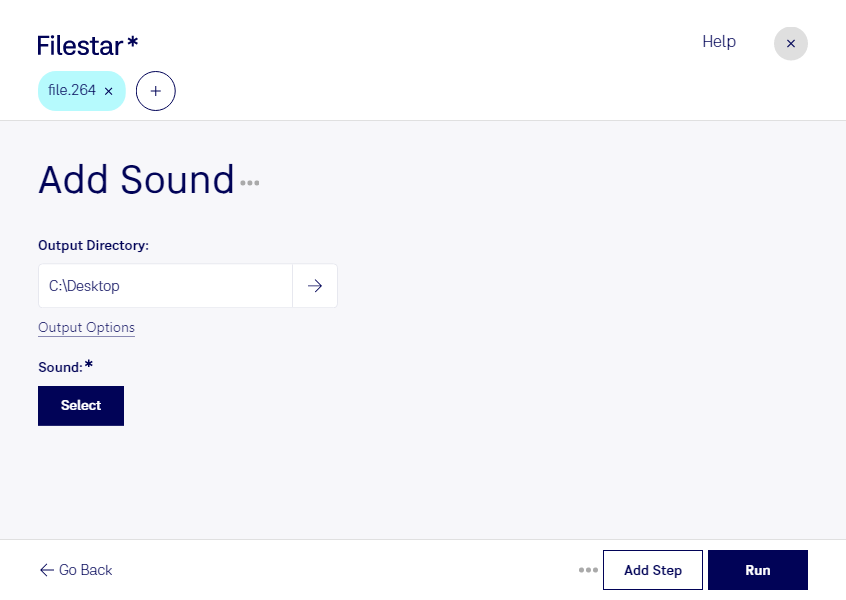
“Use Filestar to add 264 sound in my Downloads folder”
Or run it yourself:
filestarcli -i file.264 -c "add sound"
Runs on your computer, so your files stay on it. Works on Windows, macOS and Linux. 50 free conversions with the npm install, no account needed.
Can my AI agent add 264 sound?
Yes. Install the Filestar CLI with npm install -g filestar and your agent can run filestarcli -i file.264 -c "add sound" on your computer, so your files stay on it.
H.264 is a video compression standard that is commonly used for high-definition video. It is the most widely used format for Blu-ray discs, HD DVDs, and many other types of high-definition video. An H.264 file is a video file that has been encoded using this standard. These files are often saved with the .MP4 file extension. H.264 video is also commonly used in AVCHD camcorders and HDTV.