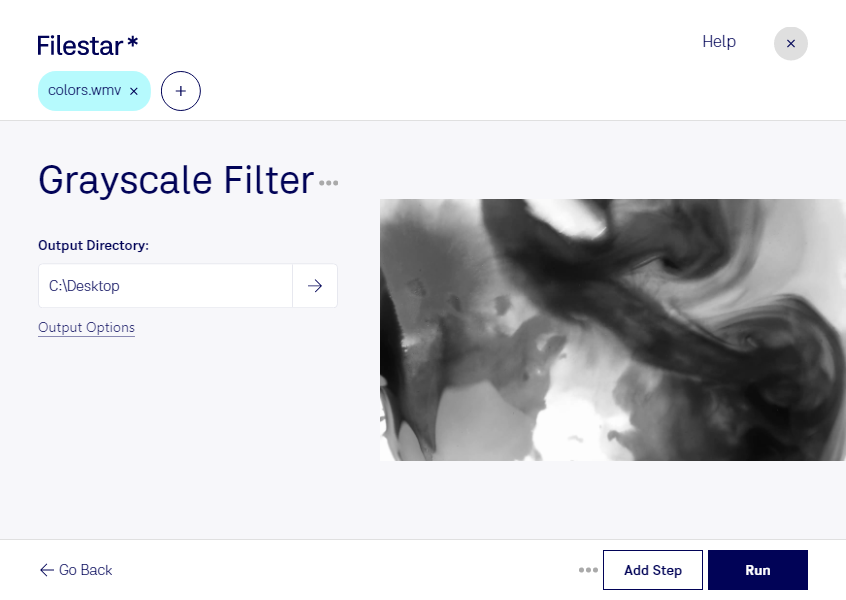
Are you a professional looking for a reliable and safe way to convert your WMV videos to grayscale? Look no further than Filestar's Grayscale WMV Filter. Our software allows for bulk/batch conversion/operations, making it easy to process large volumes of files quickly and efficiently.
Whether you're a videographer, filmmaker, or content creator, our Grayscale WMV Filter is the perfect tool for adding a unique touch to your videos. By converting your WMV videos to grayscale, you can create a vintage or artistic look that will make your content stand out.
And with Filestar, you can rest assured that your files are being processed locally on your computer, rather than in the cloud. This means that your files are more secure and less likely to be compromised by third-party attacks.
Our software runs on both Windows and OSX, making it accessible to professionals across a variety of industries. So whether you're in marketing, advertising, or any other field that requires video content, Filestar's Grayscale WMV Filter is the perfect solution for your bulk conversion needs.
Don't settle for online converters that compromise the security of your files. Choose Filestar's Grayscale WMV Filter for a safe, reliable, and efficient way to process your videos locally on your computer. Get in touch with us today to learn more about our software and how it can benefit your business.