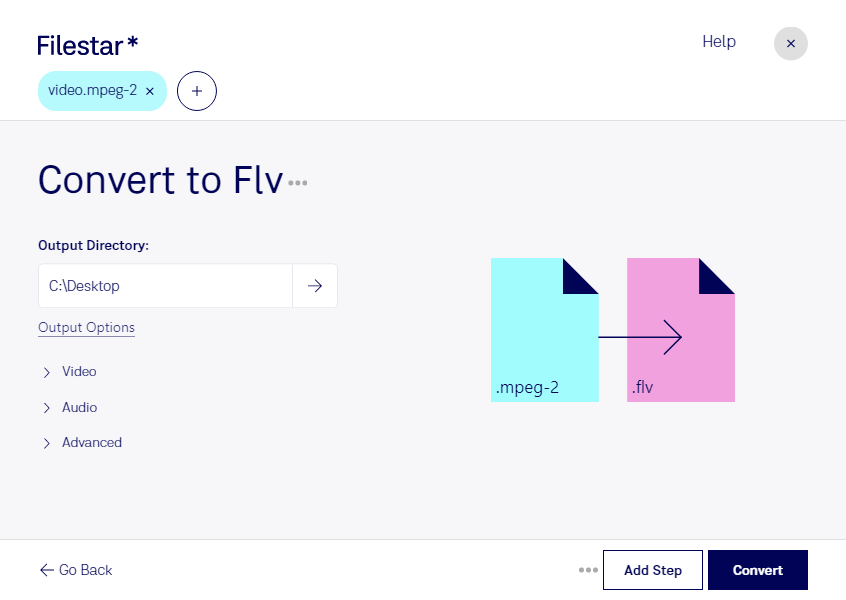
- Extension
- .mpeg-2
- .flv
- Format
- Binary
- Binary
- Category
- Video
- Video
- Developer
- Motion Pictures Expert Group
- Adobe Systems
- Description
- Video file encoded with the MPEG-2 codec, which is mainly used for over-the-air, satellite, and cable digital TV signals and DVD video; uses lossy compression for audio and video to significantly reduce the size of the video data; not as efficient as the H.264 format.
- An FLV file is a flash-compatible video file exported by the Flash Video Exporter plug-in (included with Adobe Animate) or other program with FLV file support. It consists of a short header, interleaved audio, video, and metadata packets. The file stores audio and video data in a similar format used by standard Flash (.SWF) files.
- MIME Type
- video/mpeg
- video/x-flv