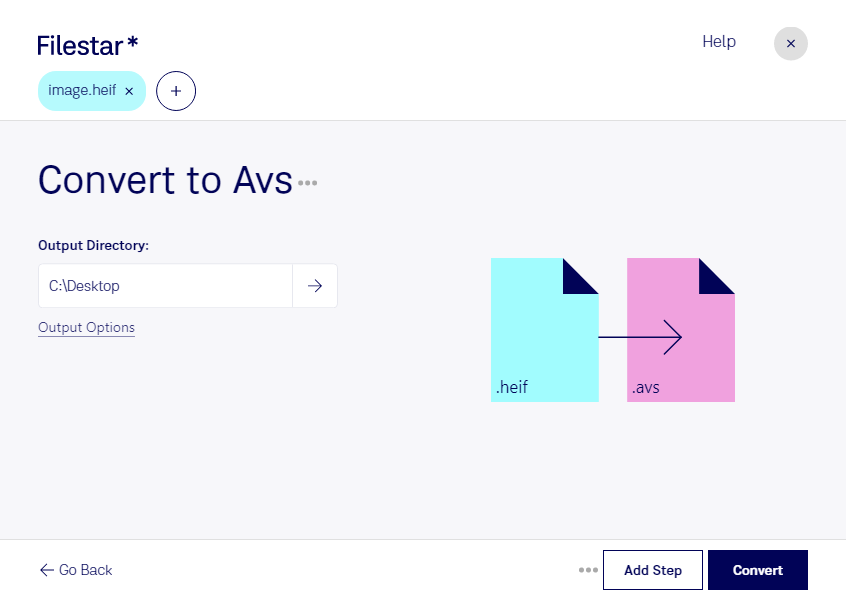
Convert heif to avs

  1. Download and install the latest version of Filestar.

  2. Right click on one or more Heif file(s) on your desktop and select Convert with Filestar.

  3. Type convert to avs in the search box.

  4. Press Convert.

convert heif to avs

What is the difference between .heif and .avs?

Extension
.heif
.avs
Format
Binary
Binary
Category
Raster Image
Raster Image
Developer
Apple
Stardent
Description
Based on HEVC (High-Efficiency Video Coding), the HEIF format is an image file container with one or multiple images and is the default image format for Apple Live Photos. It replaced the JPEG format as it's smaller in size and has lossless compression ensuring high-quality photos.
AVS (Application Visualization System) file is a graphics file for Stardent AVS X image visualization. It is currently available on several platforms but it was originally developed only by the Stardent computer.
MIME Type
image/heif
application/octet-stream

Convert Heif To Avs Today

Get started within minutes

Are you looking to convert your HEIF files to AVS? Look no further than Filestar. Our conversion software allows you to easily convert your HEIF files to AVS in bulk, saving you time and effort.

Filestar runs locally on both Windows and OSX, ensuring that your files are kept safe and secure. With our software, you can convert your files quickly and easily, without having to worry about internet connection or cloud storage.

Professionals in photography, graphic design, and other industries can benefit from our HEIF to AVS conversion tool. Whether you need to convert large batches of files for a project or simply want to convert a few files for personal use, Filestar has you covered.

Don't waste time with online converters that can compromise the security of your files. Trust Filestar to handle your HEIF to AVS conversions quickly, efficiently, and safely. Contact us today to learn more about our software and how it can benefit you.

Last updated
