
What is .g3?
- Extension
- .g3
- Format
- Binary
- Category
- Fax
- Developer
- CCITT
- Description
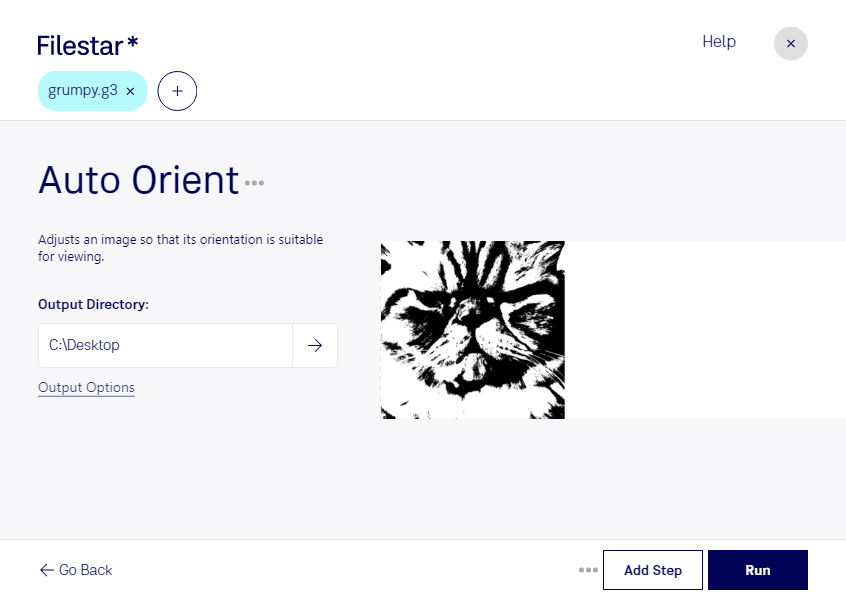
- Fax image created in the CCITT Group 3 compressed format, which is used for digital transmission of fax data and supports 1 bit per pixel; can be viewed by programs such as GIMP and IrfanView.
- MIME Type
- image/g3fax
- Sample
- sample.g3
- Wikipedia
- .g3 on Wikipedia