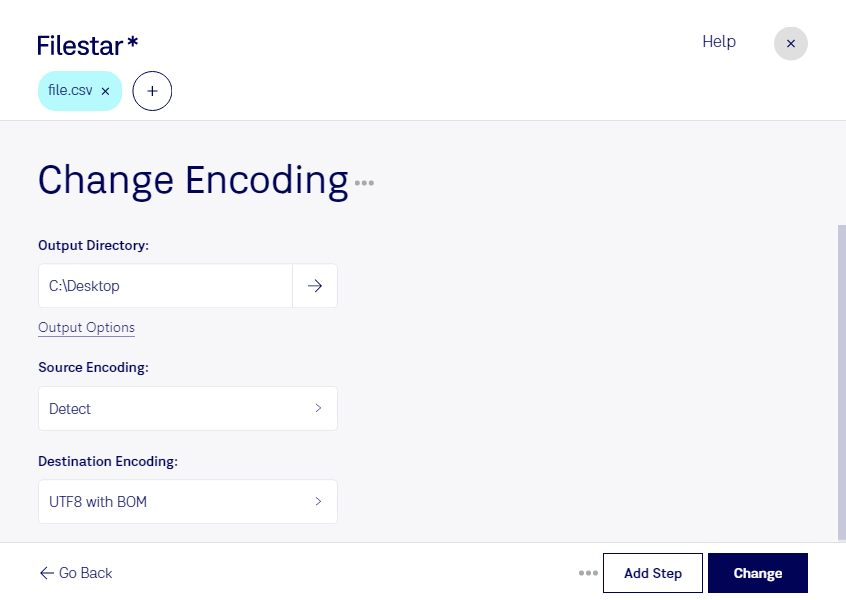
Are you a developer or a professional who needs to process large amounts of data in CSV format? Do you struggle with different encoding formats that make it difficult to read and manipulate your files? Look no further than Filestar's CSV encoding conversion feature.
With Filestar, you can easily convert CSV files in bulk with just a few clicks. Our software runs locally on your computer, ensuring that your data is safe and secure. No need to worry about uploading sensitive data to the cloud.
Whether you're dealing with different language characters or simply need to change the encoding format to match your system's requirements, Filestar's CSV encoding conversion feature can handle it all. Plus, with our bulk/batch operation capabilities, you can process multiple files at once, saving you time and effort.
Filestar runs on both Windows and OSX, making it a versatile tool for professionals in any industry. From finance to healthcare to marketing, anyone who deals with large amounts of data in CSV format can benefit from our software.
Don't let incompatible encoding formats slow down your productivity. Try Filestar's CSV encoding conversion feature today and streamline your data processing tasks. Get in touch with us to learn more about how we can help you.