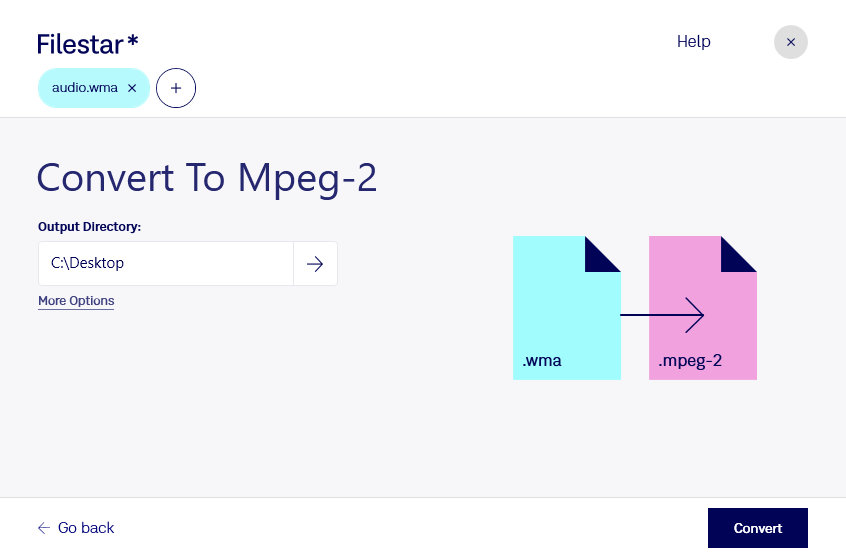
デスクトップ上の1つ以上のWmaファイルを右クリックし、Convert with Filestarを選択します。
検索ボックスにconvert to mpeg-2と入力します。
Convertを押します。
Or let an AI agent do it: filestarcli -i file.wma -c "convert to mpeg-2" (how).
Let your AI agent WMAをMPEG-2に変換
Claude Code, Codex, Cursor and other agents can do this on your computer with Filestar. Your files stay on your machine.
Install Filestar and add it to your agents:
npm install -g filestar
filestarcli agent install
Then ask your agent:
“Convert the WMA files in my Downloads folder to MPEG-2”
Or run it yourself:
filestarcli -i file.wma -c "convert to mpeg-2"
Runs on your computer, so your files stay on it. Works on Windows, macOS and Linux. 50 free conversions with the npm install, no account needed.
Can my AI agent WMAをMPEG-2に変換?
Yes. Install the Filestar CLI with npm install -g filestar and your agent can run filestarcli -i file.wma -c "convert to mpeg-2" on your computer, so your files stay on it.
WMAファイルは、Microsoftが開発した独自形式であるAdvanced Systems Format(ASF)で保存された音声ファイルです。Windows Media Audioと、曲名、アーティスト、アルバム、ジャンルなどのメタデータオブジェクトを含みます。WMAファイルは.MP3ファイルに似ており、主にWebからの音楽ストリーミングに使用されます。
wmaをmpeg-2に変換したい場合は、音声と動画の形式の違いを押さえることが大切です。wmaはWindows Media Audioファイルという音声形式で、mpeg-2はMPEG-2動画です。音声素材を動画形式で扱う必要があるときは、変換後の映像の有無や、使用する編集ソフト・再生機器の対応仕様を確認しておくと安心です。形式を変換しても、元の音声の品質が向上するわけではありません。