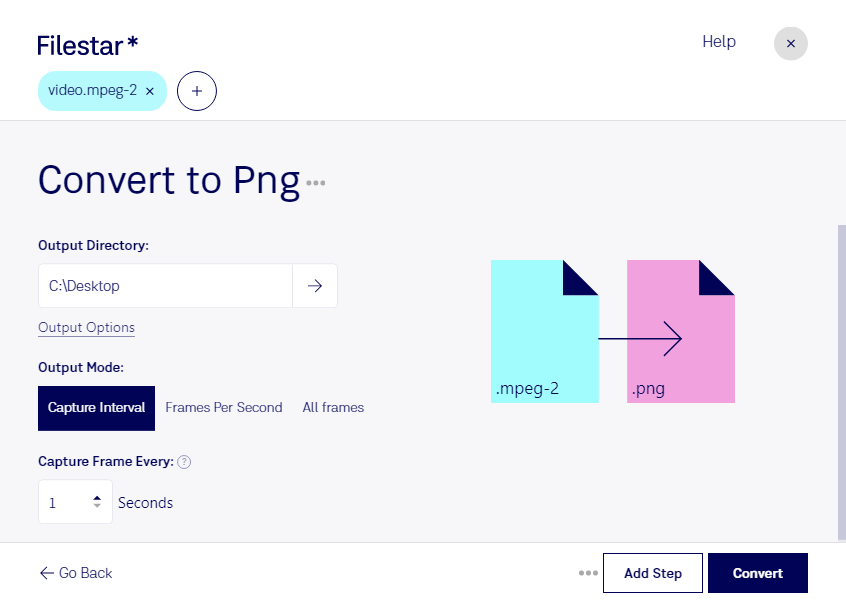
Claude Code、Codex、Cursorなどのエージェントは、Filestarを使ってパソコン上でこの処理を実行できます。ファイルはパソコン内に留まります。
Install Filestar and add it to your agents:
npm install -g filestar
filestarcli agent install
Then ask your agent:
“ダウンロードフォルダー内のMPEG-2ファイルをPNGに変換してください”
Or run it yourself:
filestarcli -i file.mpeg-2 -c "convert to png"
Runs on your computer, so your files stay on it. Works on Windows, macOS and Linux. 50 free conversions with the npm install, no account needed.
AIエージェントで「MPEG-2をPNGに変換」はできますか?
はい。npm install -g filestarでFilestar CLIをインストールすると、エージェントがパソコン上でfilestarcli -i file.mpeg-2 -c "convert to png"を実行できるようになります。ファイルはパソコン内に留まります。
Using Filestar With AI Agents →