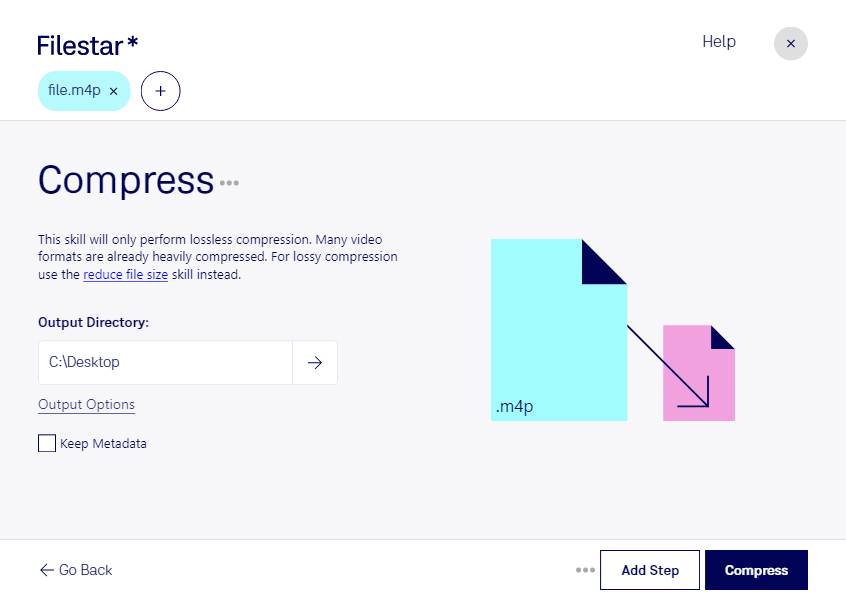
.m4pとは?
- 拡張子
- .m4p
- 形式
- バイナリ
- カテゴリー
- 音声
- 開発元
- Apple
- 説明
- M4Pは、iTunes Music Storeで使用される音声ファイル形式です。デジタル著作権管理(DRM)による暗号化を使用し、音声の違法なコピーを防ぐ保護付きファイル形式です。iTunes Music Storeで特に広く使われている音声形式の1つで、iPhone、iPad、MacなどのApple製デバイスで音楽を再生できます。
- MIMEタイプ
- audio/x-m4a

Claude Code, Codex, Cursor and other agents can do this on your computer with Filestar. Your files stay on your machine. It works on Windows only.
Install Filestar and add it to your agents:
npm install -g filestar
filestarcli agent install
Then ask your agent:
“Use Filestar to M4Pを圧縮 in my Downloads folder”
Or run it yourself:
filestarcli -i file.m4p -c "compress"Runs on your computer, so your files stay on it. Works on Windows. 50 free conversions with the npm install, no account needed.
Yes. Install the Filestar CLI with npm install -g filestar and your agent can run filestarcli -i file.m4p -c "compress" on your computer, so your files stay on it.