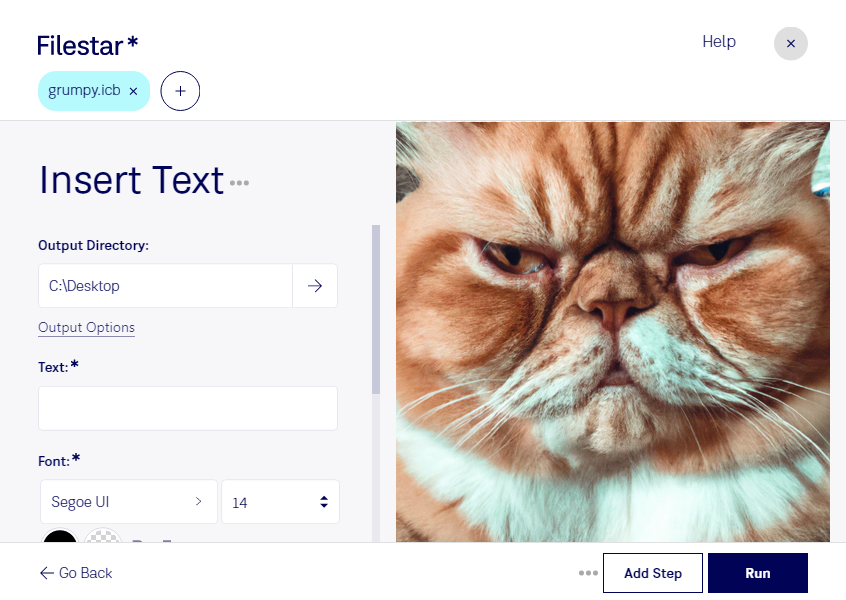
デスクトップ上の1つ以上のIcbファイルを右クリックし、Convert with Filestarを選択します。
検索ボックスにinsert textと入力します。
Runを押します。
Or let an AI agent do it: filestarcli -i photo.icb -c "insert text" (how).
Let your AI agent ICBにテキストを挿入
Claude Code, Codex, Cursor and other agents can do this on your computer with Filestar. Your files stay on your machine.
Install Filestar and add it to your agents:
npm install -g filestar
filestarcli agent install
Then ask your agent:
“Use Filestar to ICBにテキストを挿入 in my Downloads folder”
Or run it yourself:
filestarcli -i photo.icb -c "insert text"
Runs on your computer, so your files stay on it. Works on Windows, macOS and Linux. 50 free conversions with the npm install, no account needed.
Can my AI agent ICBにテキストを挿入?
Yes. Install the Filestar CLI with npm install -g filestar and your agent can run filestarcli -i photo.icb -c "insert text" on your computer, so your files stay on it.