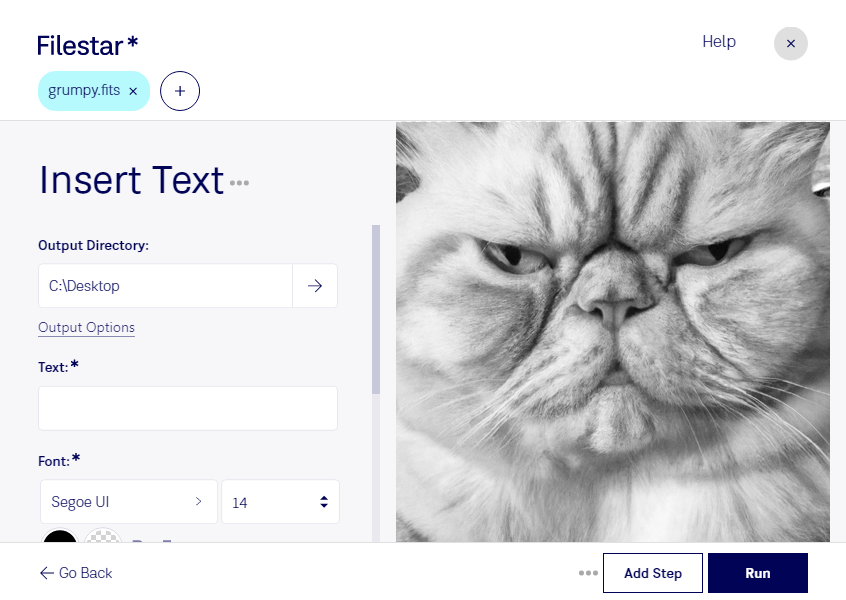
デスクトップ上の1つ以上のFitsファイルを右クリックし、Convert with Filestarを選択します。
検索ボックスにinsert textと入力します。
Runを押します。
Or let an AI agent do it: filestarcli -i photo.fits -c "insert text" (how).
Let your AI agent FITSにテキストを挿入
Claude Code, Codex, Cursor and other agents can do this on your computer with Filestar. Your files stay on your machine.
Install Filestar and add it to your agents:
npm install -g filestar
filestarcli agent install
Then ask your agent:
“Use Filestar to FITSにテキストを挿入 in my Downloads folder”
Or run it yourself:
filestarcli -i photo.fits -c "insert text"
Runs on your computer, so your files stay on it. Works on Windows, macOS and Linux. 50 free conversions with the npm install, no account needed.
Can my AI agent FITSにテキストを挿入?
Yes. Install the Filestar CLI with npm install -g filestar and your agent can run filestarcli -i photo.fits -c "insert text" on your computer, so your files stay on it.
Flexible Image Transport System(FITS)ファイル形式は、主に天文学で科学画像やデータの保存、転送、分析に使用されるデジタルファイル形式です。1970年代後半に開発されたFITSは、天文データを交換するための標準として設計され、世界中の天文学者や研究者によるデータの共有と分析を容易にします。