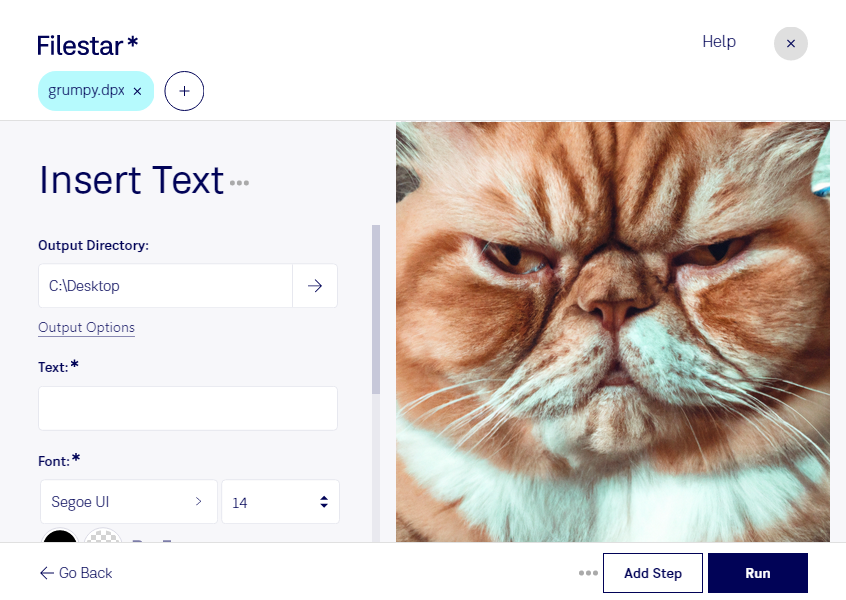
.dpxとは?
- 拡張子
- .dpx
- 形式
- バイナリ
- カテゴリー
- ラスター画像
- 開発元
- SMPTE
- 説明
- フィルム画像を品質を損なわずにデジタル媒体へ転送するためのKodakのラスター画像形式です。「Digital Moving Picture Exchangeビットマップ」とも呼ばれます。一連の静止画像を含むフレームシーケンスとして書き出されることがよくあります。
- MIMEタイプ
- image/x-dpx
- サンプル
- sample.dpx
- Wikipedia
- Wikipediaで.dpxを見る

Claude Code, Codex, Cursor and other agents can do this on your computer with Filestar. Your files stay on your machine.
Install Filestar and add it to your agents:
npm install -g filestar
filestarcli agent install
Then ask your agent:
“Use Filestar to DPXにテキストを挿入 in my Downloads folder”
Or run it yourself:
filestarcli -i photo.dpx -c "insert text"Runs on your computer, so your files stay on it. Works on Windows, macOS and Linux. 50 free conversions with the npm install, no account needed.
Yes. Install the Filestar CLI with npm install -g filestar and your agent can run filestarcli -i photo.dpx -c "insert text" on your computer, so your files stay on it.