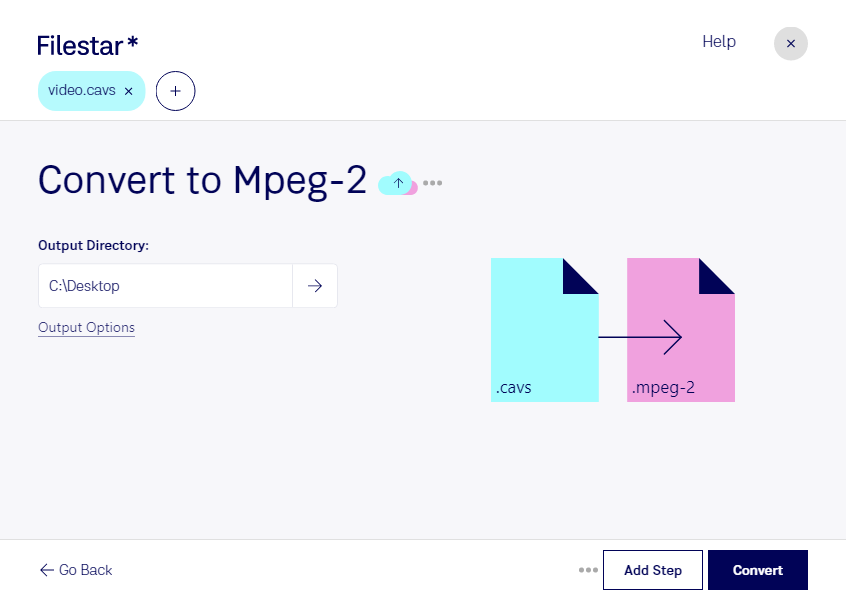
デスクトップ上の1つ以上のCavsファイルを右クリックし、Convert with Filestarを選択します。
検索ボックスにconvert to mpeg-2と入力します。
Convertを押します。
Or let an AI agent do it: filestarcli -i file.cavs -c "convert to mpeg-2" (how).
Let your AI agent CAVSをMPEG-2に変換
Claude Code, Codex, Cursor and other agents can do this with Filestar. This skill runs in Filestar's cloud and needs a paid Filestar plan.
Install Filestar and add it to your agents:
npm install -g filestar
filestarcli agent install
Then ask your agent:
“Convert the CAVS files in my Downloads folder to MPEG-2”
Or run it yourself:
filestarcli -i file.cavs -c "convert to mpeg-2"
Runs in Filestar's cloud and needs a Filestar plan.
Can my AI agent CAVSをMPEG-2に変換?
Yes, with a paid Filestar plan: this skill runs in Filestar's cloud. Install the Filestar CLI with npm install -g filestar and your agent can run filestarcli -i file.cavs -c "convert to mpeg-2".