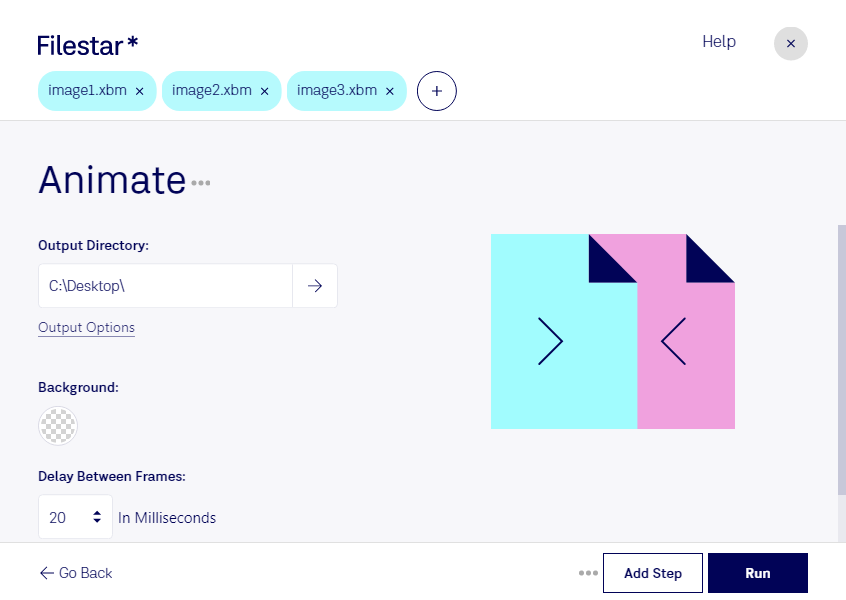
Animer xbm

  1. Téléchargez et installez la dernière version de Filestar.

  2. Faites un clic droit sur un ou plusieurs fichiers Xbm sur votre bureau et sélectionnez Convert with Filestar.

  3. Saisissez animate dans le champ de recherche.

  4. Cliquez sur Run.

  5. Ou laissez un agent IA le faire : filestarcli -i photo.xbm -c "animate" (comment faire).

animer xbm

Laissez votre agent IA animer XBM

Claude Code, Codex, Cursor et d'autres agents peuvent le faire sur votre ordinateur avec Filestar. Vos fichiers restent sur votre machine.

Install Filestar and add it to your agents:

npm install -g filestar
filestarcli agent install

Then ask your agent:

“Utilisez Filestar pour animer XBM dans mon dossier Téléchargements”

Or run it yourself:

filestarcli -i photo.xbm -c "animate"

Runs on your computer, so your files stay on it. Works on Windows, macOS and Linux. 50 free conversions with the npm install, no account needed.

Mon agent IA peut-il animer XBM ?

Oui. Installez Filestar CLI avec npm install -g filestar et votre agent pourra exécuter filestarcli -i photo.xbm -c "animate" sur votre ordinateur. Vos fichiers y restent.

Using Filestar With AI Agents →

Qu’est-ce que .xbm ?

Extension
.xbm
Format
Texte
Catégorie
Image matricielle
Développeur
The X Consortium
Description
Image bitmap utilisée par le X Window System (X11), une interface graphique (GUI) servant à gérer des ordinateurs en réseau selon une architecture client-serveur ; stocke une image monochrome écrite en texte brut dans le langage de programmation C.
Type MIME
image/x-xbitmap
Exemple
sample.xbm

Animer xbm dès aujourd’hui

Commencez en quelques minutes