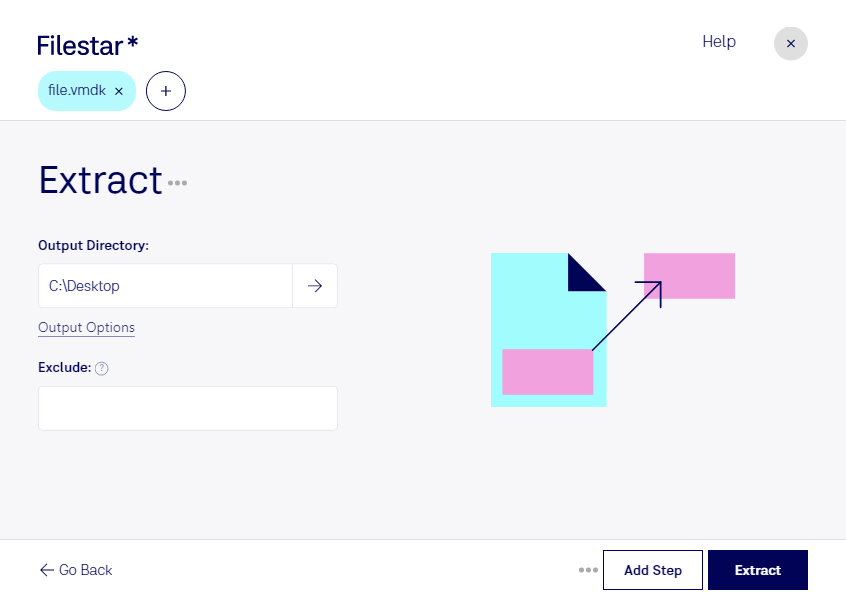
Claude Code, Codex, Cursor et d'autres agents peuvent le faire sur votre ordinateur avec Filestar. Vos fichiers restent sur votre machine.
Install Filestar and add it to your agents:
npm install -g filestar
filestarcli agent install
Then ask your agent:
“Utilisez Filestar pour extraire VMDK dans mon dossier Téléchargements”
Or run it yourself:
filestarcli -i photo.vmdk -c "extract"
Runs on your computer, so your files stay on it. Works on Windows, macOS and Linux. 50 free conversions with the npm install, no account needed.
Mon agent IA peut-il extraire VMDK ?
Oui. Installez Filestar CLI avec npm install -g filestar et votre agent pourra exécuter filestarcli -i photo.vmdk -c "extract" sur votre ordinateur. Vos fichiers y restent.
Using Filestar With AI Agents →