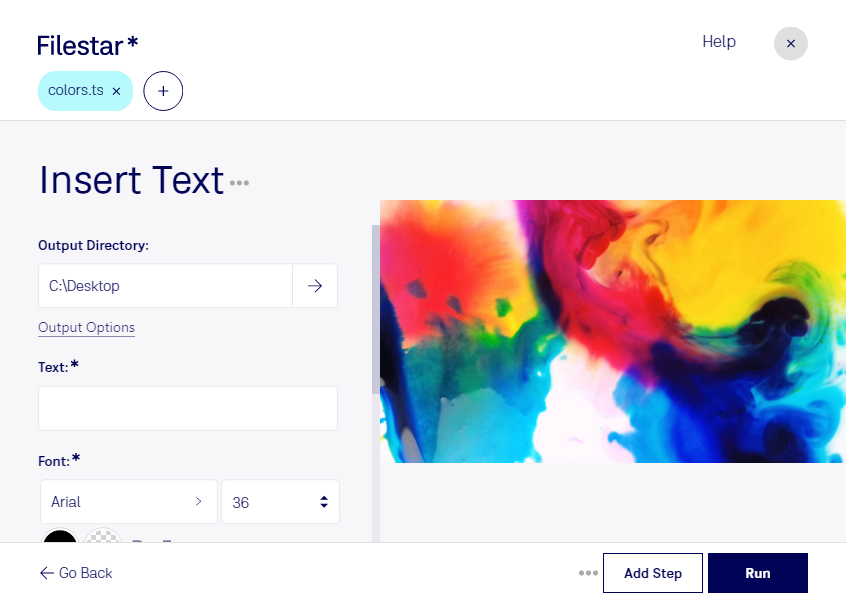
Claude Code, Codex, Cursor et d'autres agents peuvent le faire sur votre ordinateur avec Filestar. Vos fichiers restent sur votre machine.
Install Filestar and add it to your agents:
npm install -g filestar
filestarcli agent install
Then ask your agent:
“Utilisez Filestar pour insérer texte TS dans mon dossier Téléchargements” Or run it yourself:
filestarcli -i file.ts -c "insert text"Runs on your computer, so your files stay on it. Works on Windows, macOS and Linux. 50 free conversions with the npm install, no account needed.
Mon agent IA peut-il insérer texte TS ? Oui. Installez Filestar CLI avec npm install -g filestar et votre agent pourra exécuter filestarcli -i file.ts -c "insert text" sur votre ordinateur. Vos fichiers y restent.
Using Filestar With AI Agents →