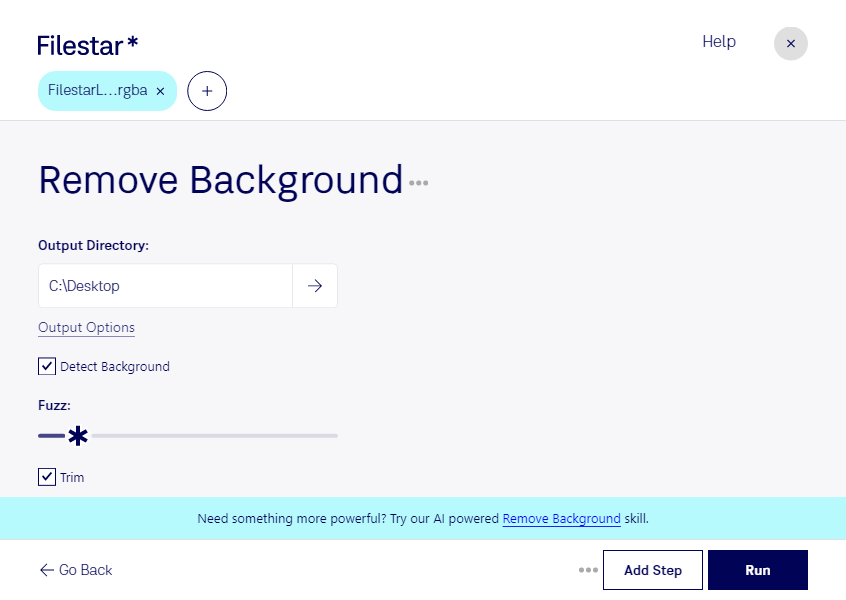
Supprimer arrière-plan rgba

  1. Téléchargez et installez la dernière version de Filestar.

  2. Faites un clic droit sur un ou plusieurs fichiers Rgba sur votre bureau et sélectionnez Convert with Filestar.

  3. Saisissez remove background dans le champ de recherche.

  4. Cliquez sur Run.

Ou laissez un agent IA le faire : filestarcli -i photo.rgba -c "remove background" (comment faire).

supprimer arrière-plan rgba

Laissez votre agent IA supprimer arrière-plan RGBA

Claude Code, Codex, Cursor et d'autres agents peuvent le faire sur votre ordinateur avec Filestar. Vos fichiers restent sur votre machine.

Installez Filestar et ajoutez-le à vos agents :

npm install -g filestar
filestarcli agent install

Puis demandez à votre agent :

“Utilisez Filestar pour supprimer arrière-plan RGBA dans mon dossier Téléchargements”

Ou exécutez-le vous-même :

filestarcli -i photo.rgba -c "remove background"

Fonctionne sur votre ordinateur, vos fichiers y restent. Compatible avec Windows, macOS et Linux. 50 conversions gratuites avec l’installation via npm, sans compte.

Mon agent IA peut-il supprimer arrière-plan RGBA ?

Oui. Installez Filestar CLI avec npm install -g filestar et votre agent pourra exécuter filestarcli -i photo.rgba -c "remove background" sur votre ordinateur. Vos fichiers y restent.

Utiliser Filestar avec des agents IA

Qu’est-ce que .rgba ?

Extension
.rgba
Format
Binaire
Catégorie
Image matricielle
Développeur
SGI
Description
Un fichier RGBA est un format d’image matricielle en couleur créé par Silicon Graphics (SGI). Il est similaire au fichier .RGB, car il prend en charge les canaux de couleur RGB avec un canal alpha.
Type MIME
image/x-rgb

Supprimer arrière-plan rgba dès aujourd’hui

Commencez en quelques minutes