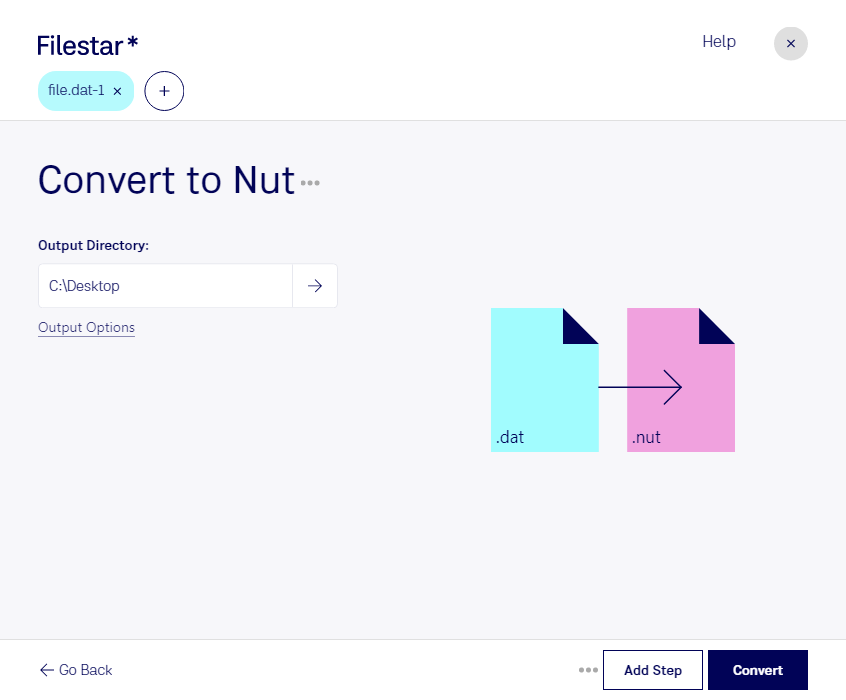
Téléchargez et installez la dernière version de Filestar.
Faites un clic droit sur un ou plusieurs fichiers Dat sur votre bureau et sélectionnez Convert with Filestar.
Saisissez convert to nut dans le champ de recherche.
Cliquez sur Convert.
Or let an AI agent do it: filestarcli -i file.dat -c "convert to nut" (how).
Let your AI agent convertir VideoCD MPEG en NUT
Claude Code, Codex, Cursor and other agents can do this on your computer with Filestar. Your files stay on your machine.
Install Filestar and add it to your agents:
npm install -g filestar
filestarcli agent install
Then ask your agent:
“Convert the VideoCD MPEG files in my Downloads folder to NUT”
Or run it yourself:
filestarcli -i file.dat -c "convert to nut"
Runs on your computer, so your files stay on it. Works on Windows, macOS and Linux. 50 free conversions with the npm install, no account needed.
Can my AI agent convertir VideoCD MPEG en NUT?
Yes. Install the Filestar CLI with npm install -g filestar and your agent can run filestarcli -i file.dat -c "convert to nut" on your computer, so your files stay on it.
The nut file type was created by the FFmpeg project.
Description
Flux MPEG dans un conteneur RIFF utilisé sur les VideoCD.
L’extension de fichier nut est associée à NUT, un format de conteneur multimédia libre de brevets, initialement conçu par quelques développeurs de MPlayer et de FFmpeg qui n’étaient pas satisfaits des limitations de tous les formats de conteneurs multimédias alors disponibles, tels qu’AVI, Ogg ou Matroska.