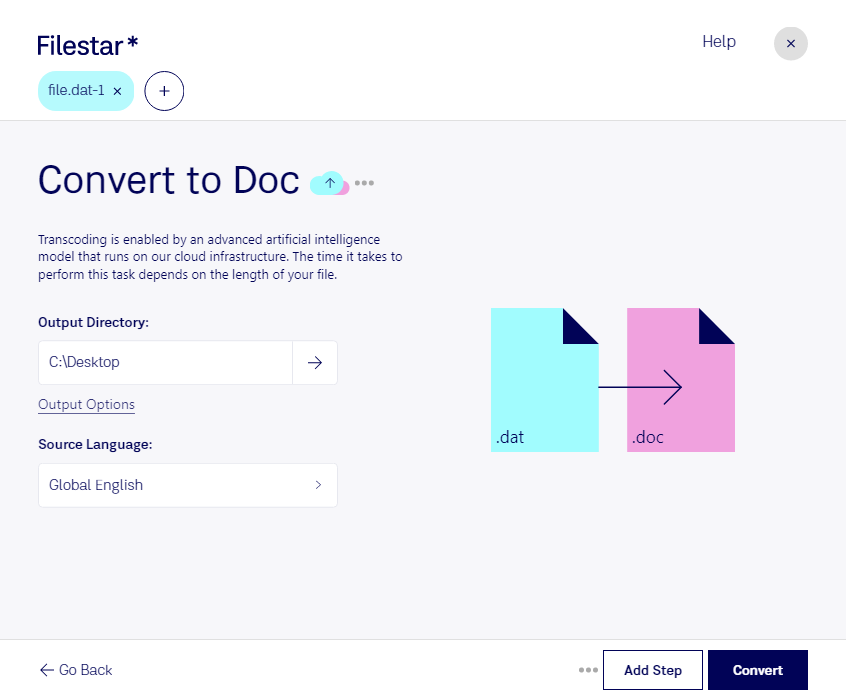
Téléchargez et installez la dernière version de Filestar.
Faites un clic droit sur un ou plusieurs fichiers Dat sur votre bureau et sélectionnez Convert with Filestar.
Saisissez convert to doc dans le champ de recherche.
Cliquez sur Convert.
Or let an AI agent do it: filestarcli -i file.dat -c "convert to doc" (how).
Let your AI agent convertir VideoCD MPEG en DOC
Claude Code, Codex, Cursor and other agents can do this on your computer with Filestar. Your files stay on your machine.
Install Filestar and add it to your agents:
npm install -g filestar
filestarcli agent install
Then ask your agent:
“Convert the VideoCD MPEG files in my Downloads folder to DOC”
Or run it yourself:
filestarcli -i file.dat -c "convert to doc"
Runs on your computer, so your files stay on it. Works on Windows, macOS and Linux. 50 free conversions with the npm install, no account needed.
Can my AI agent convertir VideoCD MPEG en DOC?
Yes. Install the Filestar CLI with npm install -g filestar and your agent can run filestarcli -i file.dat -c "convert to doc" on your computer, so your files stay on it.
Flux MPEG dans un conteneur RIFF utilisé sur les VideoCD.
Un fichier DOC est un document de traitement de texte créé par Microsoft Word ou un autre logiciel de traitement de texte, comme OpenOffice Writer ou Apple Pages. Il peut contenir du texte mis en forme, des images, des tableaux, des graphiques, des diagrammes, ainsi que des informations de mise en page et des paramètres d’impression.