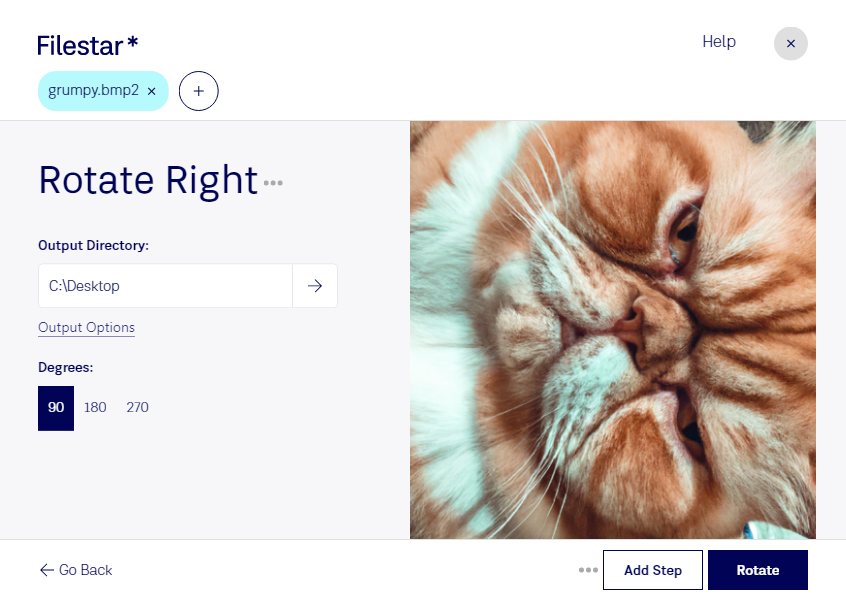
“Utilisez Filestar pour pivoter BMP2 à droite dans mon dossier Téléchargements”
Ou exécutez-le vous-même :
filestarcli -i photo.bmp2 -c "rotate right"
Fonctionne sur votre ordinateur, vos fichiers y restent. Compatible avec Windows, macOS et Linux. 50 conversions gratuites avec l’installation via npm, sans compte.
Mon agent IA peut-il pivoter BMP2 à droite ?
Oui. Installez Filestar CLI avec npm install -g filestar et votre agent pourra exécuter filestarcli -i photo.bmp2 -c "rotate right" sur votre ordinateur. Vos fichiers y restent.