什么是 .doc?
- 名称
- Word 文档
- 扩展名
- .doc
- 格式
- 二进制
- 类别
- 文档
- 开发者
- Microsoft
- 描述
- DOC 文件是一种文字处理文档,由 Microsoft Word 或 OpenOffice Writer、Apple Pages 等其他文字处理程序创建。它可以包含带格式的文本、图像、表格、图形、图表、页面格式和打印设置。
- MIME 类型
- application/msword
- 维基百科
- 维基百科上的 .doc

Claude Code, Codex, Cursor and other agents can do this on your computer with Filestar. Your files stay on your machine.
Install Filestar and add it to your agents:
npm install -g filestar
filestarcli agent install
Then ask your agent:
“Use Filestar to 删除 DOC 元数据 in my Downloads folder”
Or run it yourself:
filestarcli -i file.doc -c "remove metadata"Runs on your computer, so your files stay on it. Works on Windows, macOS and Linux. 50 free conversions with the npm install, no account needed.
Yes. Install the Filestar CLI with npm install -g filestar and your agent can run filestarcli -i file.doc -c "remove metadata" on your computer, so your files stay on it.
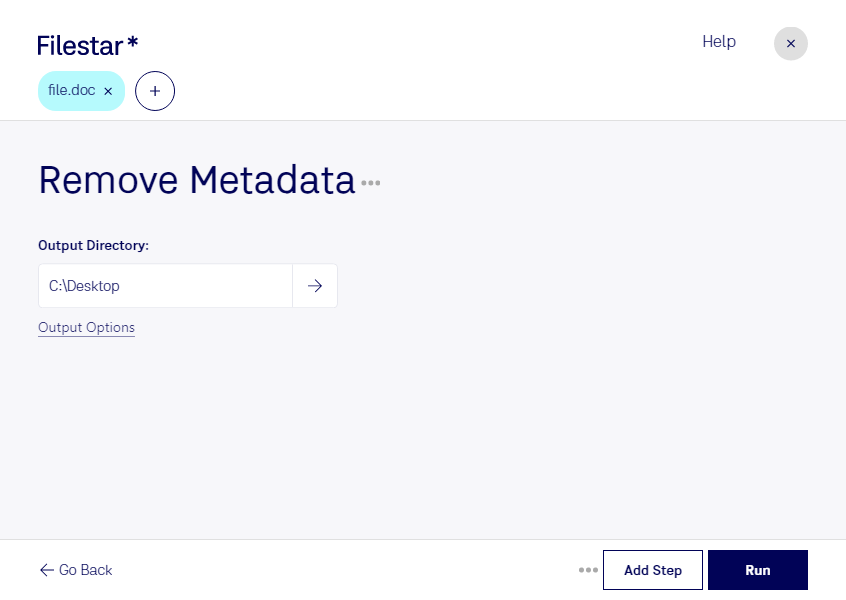
doc 是一种 Word 文档格式,除了正文,还可能保存作者、公司和最后保存者等元数据。对外分享前清理这些信息,有助于减少不必要的身份及组织信息暴露。
Filestar 支持在 Windows 和 macOS 上本地处理文件,也可批量删除 doc 元数据。面对多份合同、报告或交付资料,您可以集中处理,减少逐份操作的重复工作。
律师向客户发送合同草案、咨询顾问交付报告、人力资源团队分享招聘资料时,都可能需要清理文档属性。本地处理无需将待处理文档上传至云端,可减少第三方接触文件的环节,更便于控制敏感资料的流转范围。
删除元数据不等于正文匿名化。发送前,建议您另行检查批注、修订记录及正文中的敏感信息。如果您需要确认特定 doc 文件的处理效果,或希望建立批量清理流程,欢迎联系 Filestar,说明您的文件类型与使用需求。