什么是 .dng?
- 名称
- 数字负片图像
- 扩展名
- .dng
- 格式
- 二进制
- 类别
- 相机
- 开发者
- Adobe Systems
- 描述
- 一种通用 RAW 图像格式,用于以未压缩的形式保存数码照片;由 Adobe Systems 开发,作为 RAW 图像归档格式,受多种图像查看和照片编辑程序支持。
- MIME 类型
- image/x-adobe-dng
- 维基百科
- 维基百科上的 .dng

Claude Code、Codex、Cursor 等智能体可以通过 Filestar 在您的电脑上完成此操作。您的文件会保留在本机上。
安装 Filestar 并将其添加到您的智能体:
npm install -g filestar
filestarcli agent install
然后向您的智能体提出请求:
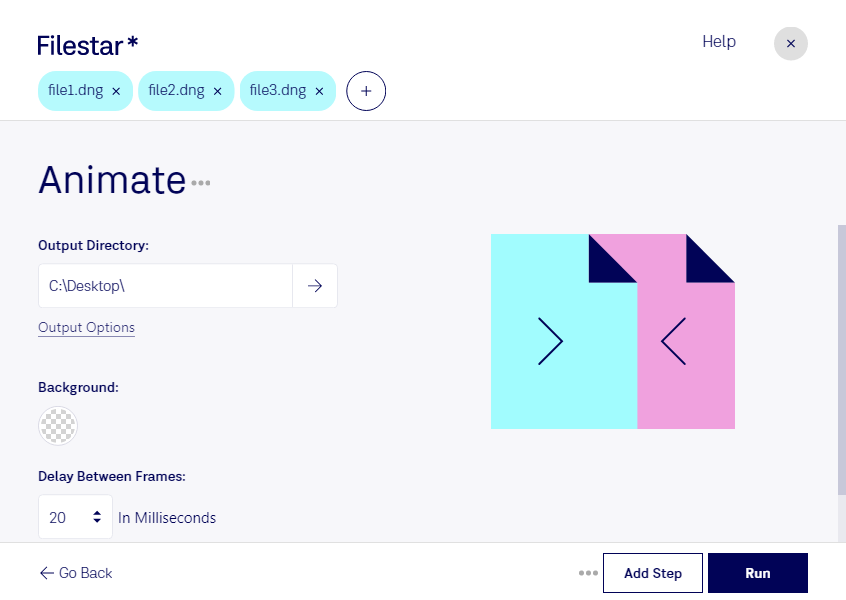
“使用 Filestar 在我的下载文件夹中制作 DNG 动画”
或自行运行:
filestarcli -i file.dng -c "animate"在您的电脑上运行,文件不会离开电脑。 支持 Windows, macOS 和 Linux。 通过 npm 安装即可免费转换 50 次,无需账号。
可以。使用 npm install -g filestar 安装 Filestar CLI,您的智能体就能在您的电脑上运行 filestarcli -i file.dng -c "animate",文件会保留在本机上。