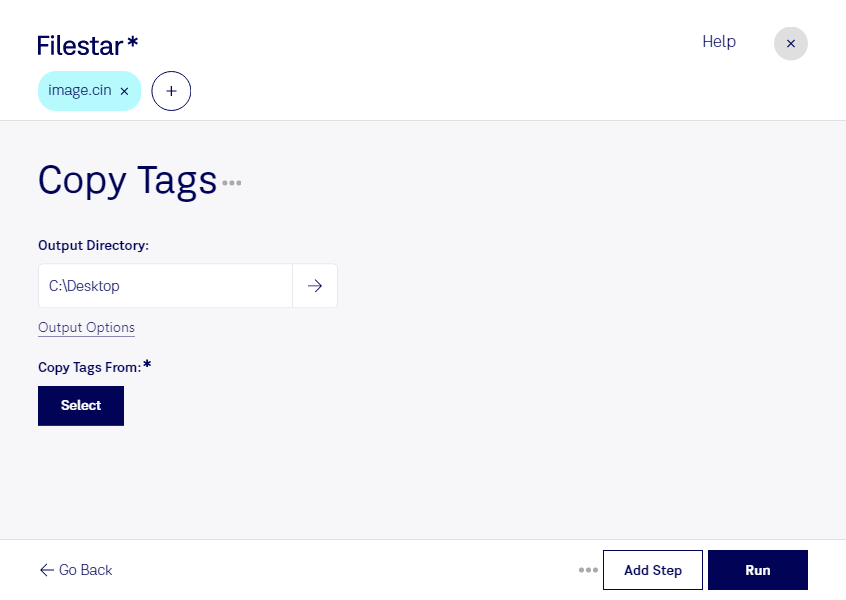
什么是 .cin?
- 扩展名
- .cin
- 格式
- 二进制
- 类别
- 位图
- 开发者
- Kodak
- 描述
- 由 Kodak 的 Cineon 胶片系统创建的图像;将胶片图像转换为数字格式,以便进行电子合成、处理和增强;可重新输出到胶片而不损失图像质量。
- MIME 类型
- image/x-cin
- 维基百科
- 维基百科上的 .cin

Claude Code, Codex, Cursor and other agents can do this on your computer with Filestar. Your files stay on your machine.
Install Filestar and add it to your agents:
npm install -g filestar
filestarcli agent install
Then ask your agent:
“Use Filestar to 复制 CIN 标签 in my Downloads folder”
Or run it yourself:
filestarcli -i photo.cin -c "copy tags"Runs on your computer, so your files stay on it. Works on Windows, macOS and Linux. 50 free conversions with the npm install, no account needed.
Yes. Install the Filestar CLI with npm install -g filestar and your agent can run filestarcli -i photo.cin -c "copy tags" on your computer, so your files stay on it.