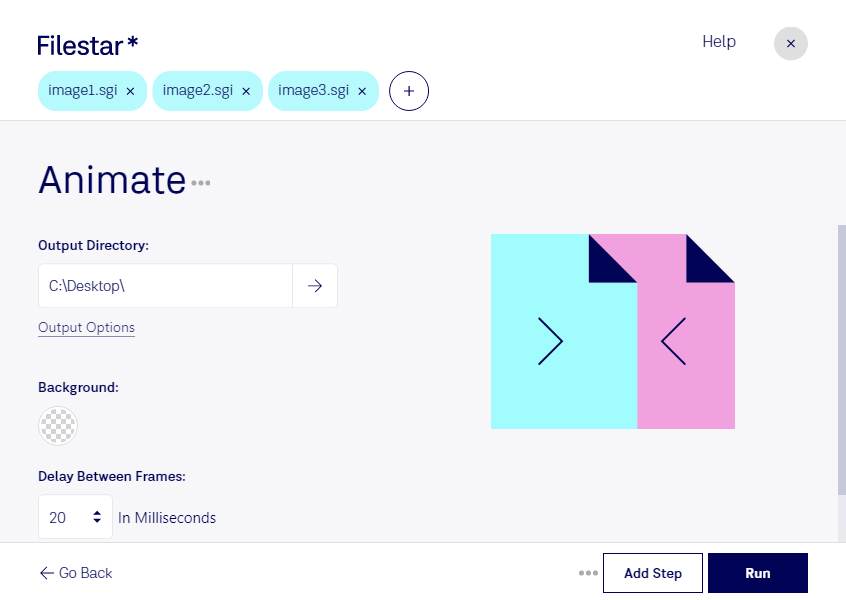
Baixe e instale a versão mais recente do Filestar.
Clique com o botão direito em um ou mais arquivos Sgi na sua área de trabalho e selecione Convert with Filestar.
Digite animate na caixa de pesquisa.
Clique em Run.
Or let an AI agent do it: filestarcli -i photo.sgi -c "animate" (how).
Let your AI agent animar SGI
Claude Code, Codex, Cursor and other agents can do this on your computer with Filestar. Your files stay on your machine.
Install Filestar and add it to your agents:
npm install -g filestar
filestarcli agent install
Then ask your agent:
“Use Filestar to animar SGI in my Downloads folder”
Or run it yourself:
filestarcli -i photo.sgi -c "animate"
Runs on your computer, so your files stay on it. Works on Windows, macOS and Linux. 50 free conversions with the npm install, no account needed.
Can my AI agent animar SGI?
Yes. Install the Filestar CLI with npm install -g filestar and your agent can run filestarcli -i photo.sgi -c "animate" on your computer, so your files stay on it.
Imagem salva no formato gráfico nativo usado pelas estações de trabalho Silicon Graphics; pode armazenar de 8 a 32 bits por pixel; também oferece suporte à compressão por codificação de comprimento de sequência (RLE) para reduzir o tamanho do arquivo de imagem.