Baixe e instale a versão mais recente do Filestar.
Clique com o botão direito em um ou mais arquivos Fits na sua área de trabalho e selecione Convert with Filestar.
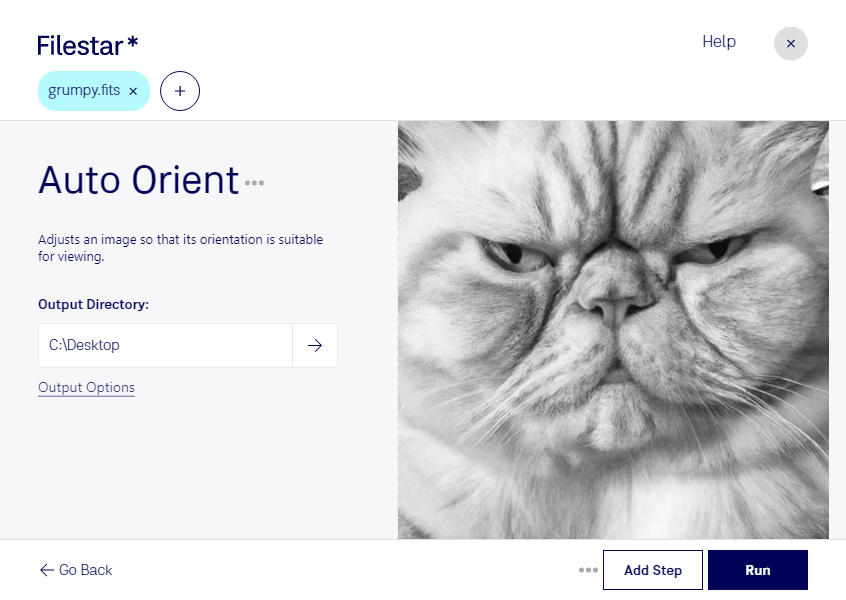
Digite auto orient na caixa de pesquisa.
Clique em Run.
Or let an AI agent do it: filestarcli -i photo.fits -c "auto orient" (how).
Let your AI agent orientar FITS automaticamente
Claude Code, Codex, Cursor and other agents can do this on your computer with Filestar. Your files stay on your machine.
Install Filestar and add it to your agents:
npm install -g filestar
filestarcli agent install
Then ask your agent:
“Use Filestar to orientar FITS automaticamente in my Downloads folder”
Or run it yourself:
filestarcli -i photo.fits -c "auto orient"
Runs on your computer, so your files stay on it. Works on Windows, macOS and Linux. 50 free conversions with the npm install, no account needed.
Can my AI agent orientar FITS automaticamente?
Yes. Install the Filestar CLI with npm install -g filestar and your agent can run filestarcli -i photo.fits -c "auto orient" on your computer, so your files stay on it.
O formato de arquivo Flexible Image Transport System (FITS) é um formato de arquivo digital usado principalmente em astronomia para armazenar, transmitir e analisar imagens e dados científicos. Desenvolvido no final da década de 1970, o FITS foi projetado para oferecer um padrão para o intercâmbio de dados astronômicos, facilitando o compartilhamento e a análise de dados entre astrônomos e pesquisadores do mundo todo.