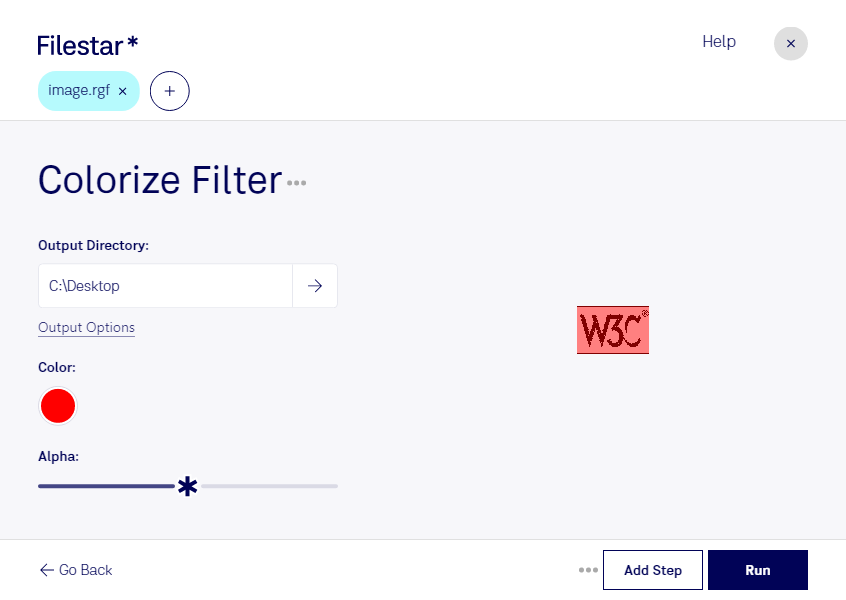
바탕 화면에서 Rgf 파일을 하나 이상 마우스 오른쪽 버튼으로 클릭하고 Convert with Filestar 메뉴를 선택하세요.
검색창에 colorize filter 명령을 입력하세요.
Run 버튼을 누르세요.
Or let an AI agent do it: filestarcli -i photo.rgf -c "colorize filter" (how).
Let your AI agent RGF 색 입히기 필터
Claude Code, Codex, Cursor and other agents can do this on your computer with Filestar. Your files stay on your machine.
Install Filestar and add it to your agents:
npm install -g filestar
filestarcli agent install
Then ask your agent:
“Use Filestar to RGF 색 입히기 필터 in my Downloads folder”
Or run it yourself:
filestarcli -i photo.rgf -c "colorize filter"
Runs on your computer, so your files stay on it. Works on Windows, macOS and Linux. 50 free conversions with the npm install, no account needed.
Can my AI agent RGF 색 입히기 필터?
Yes. Install the Filestar CLI with npm install -g filestar and your agent can run filestarcli -i photo.rgf -c "colorize filter" on your computer, so your files stay on it.
LEGO Mindstorms EV3 로봇 그래픽 파일(RGF)은 LEGO Mindstorms EV3 소프트웨어에서 로봇 그래픽 모델을 저장하는 데 사용하는 독점 바이너리 파일 형식이에요. 벡터 기반 파일 형식으로, 로봇의 3D 기하 구조, 색상, 기타 시각적 속성과 함께 다른 LEGO 요소와 연결하는 데 사용하는 모델의 연결 지점 정보를 저장해요.