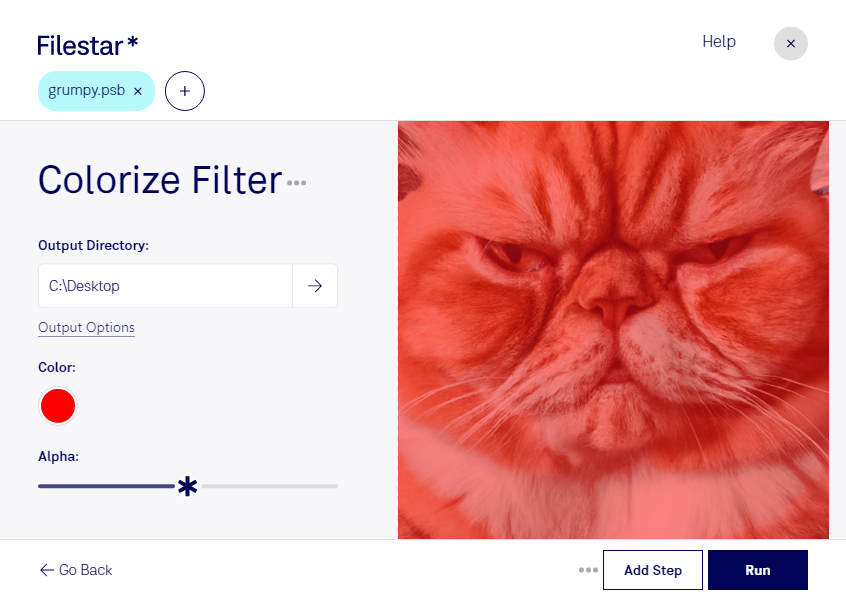
Psb 색 입히기 필터

  1. 최신 버전의 Filestar를 다운로드하고 설치하세요.

  2. 바탕 화면에서 Psb 파일을 하나 이상 마우스 오른쪽 버튼으로 클릭하고 Convert with Filestar 메뉴를 선택하세요.

  3. 검색창에 colorize filter 명령을 입력하세요.

  4. Run 버튼을 누르세요.

  5. 또는 AI 에이전트에게 맡겨 보세요: filestarcli -i photo.psb -c "colorize filter" (방법).

psb 색 입히기 필터

AI 에이전트에게 PSB 색 입히기 필터 작업을 맡겨 보세요

Claude Code, Codex, Cursor 등의 에이전트가 Filestar를 사용해 내 컴퓨터에서 이 작업을 할 수 있어요. 파일은 내 컴퓨터에 그대로 있어요.

Install Filestar and add it to your agents:

npm install -g filestar
filestarcli agent install

Then ask your agent:

“Filestar를 사용해서 내 다운로드 폴더에서 PSB 색 입히기 필터 작업을 해 주세요”

Or run it yourself:

filestarcli -i photo.psb -c "colorize filter"

Runs on your computer, so your files stay on it. Works on Windows, macOS and Linux. 50 free conversions with the npm install, no account needed.

내 AI 에이전트가 PSB 색 입히기 필터 작업을 할 수 있나요?

네. npm install -g filestar 명령으로 Filestar CLI를 설치하면 에이전트가 내 컴퓨터에서 filestarcli -i photo.psb -c "colorize filter" 명령을 실행할 수 있어요. 파일은 내 컴퓨터에 그대로 있어요.

Using Filestar With AI Agents →

.psb란 무엇인가요?

확장자
.psb
형식
바이너리
카테고리
래스터 이미지
개발자
Adobe Systems
설명
가로 및 세로 크기가 30,000픽셀을 초과하는 대형 Photoshop 문서를 저장하는 데 사용되는 형식이에요. 최대 300,000 × 300,000픽셀의 이미지를 지원해요. .psb 지원을 활성화하려면 Photoshop의 환경 설정 창에서 파일 처리 패널의 "Enable Large Document Format"을 체크하세요.
MIME 유형
image/vnd.adobe.photoshop

오늘 바로 Psb 색 입히기 필터

몇 분이면 시작할 수 있어요