.fap란 무엇인가요?
- 확장자
- .fap
- 형식
- 바이너리
- 카테고리
- 오디오
- 개발자
- Transparent Corporation
- 설명
- Ensoniq PARIS 파일 형식(리틀 엔디언)이에요.
- MIME 유형
- audio/x-paris

Claude Code, Codex, Cursor and other agents can do this on your computer with Filestar. Your files stay on your machine.
Install Filestar and add it to your agents:
npm install -g filestar
filestarcli agent install
Then ask your agent:
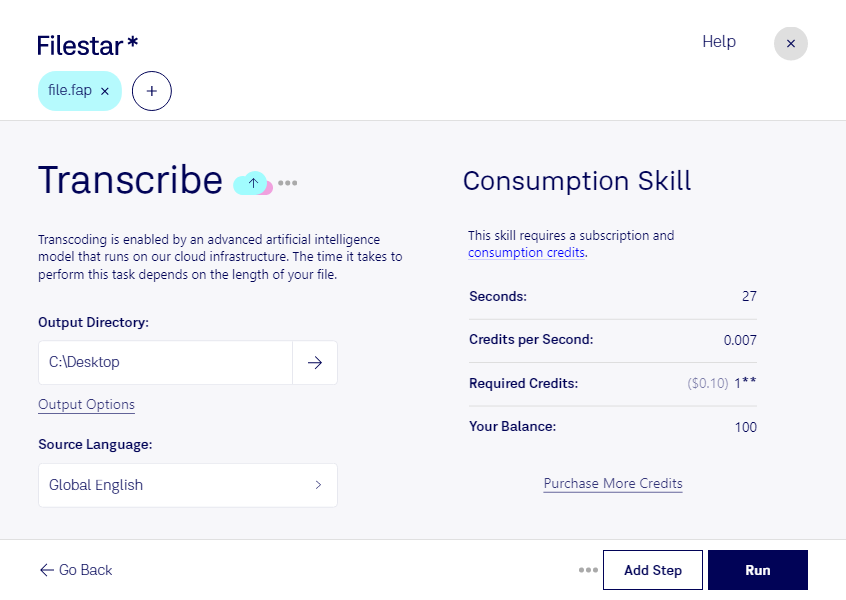
“Use Filestar to FAP 받아쓰기 in my Downloads folder”
Or run it yourself:
filestarcli -i file.fap -c "transcribe"Runs on your computer, so your files stay on it. Works on Windows, macOS and Linux. 50 free conversions with the npm install, no account needed.
Yes. Install the Filestar CLI with npm install -g filestar and your agent can run filestarcli -i file.fap -c "transcribe" on your computer, so your files stay on it.