.dat란 무엇인가요?
- 확장자
- .dat
- 형식
- 바이너리
- 카테고리
- 동영상
- 개발자
- MPEG-1 Layer 2 Audio
- 설명
- VideoCD에서 사용하는 RIFF 컨테이너에 담긴 MPEG 스트림이에요.
- MIME 유형
- video/mpeg
- 위키백과
- 위키백과에서 .dat 보기

Claude Code, Codex, Cursor and other agents can do this on your computer with Filestar. Your files stay on your machine.
Install Filestar and add it to your agents:
npm install -g filestar
filestarcli agent install
Then ask your agent:
“Use Filestar to VideoCD MPEG 소리 추가 in my Downloads folder”
Or run it yourself:
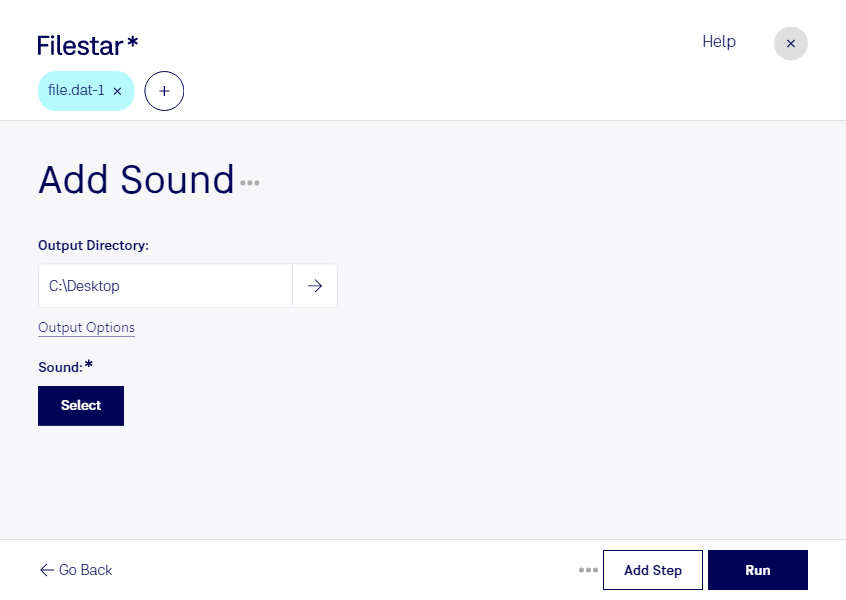
filestarcli -i file.dat -c "add sound"Runs on your computer, so your files stay on it. Works on Windows, macOS and Linux. 50 free conversions with the npm install, no account needed.
Yes. Install the Filestar CLI with npm install -g filestar and your agent can run filestarcli -i file.dat -c "add sound" on your computer, so your files stay on it.