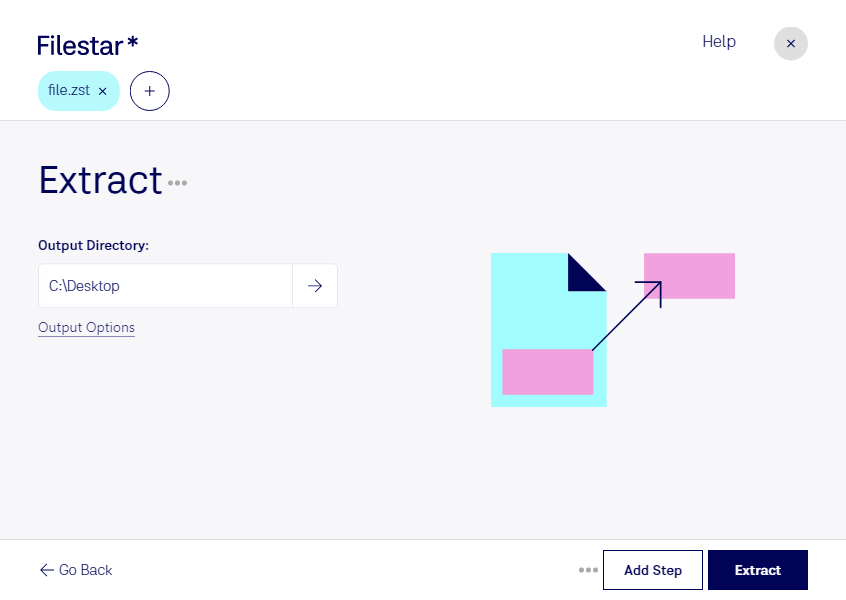
Haz clic derecho en uno o más archivos Zst de tu escritorio y selecciona Convert with Filestar.
Escribe extract en el cuadro de búsqueda.
Pulsa Extract.
Or let an AI agent do it: filestarcli -i file.zst -c "extract" (how).
Let your AI agent extraer ZST
Claude Code, Codex, Cursor and other agents can do this on your computer with Filestar. Your files stay on your machine.
Install Filestar and add it to your agents:
npm install -g filestar
filestarcli agent install
Then ask your agent:
“Use Filestar to extraer ZST in my Downloads folder”
Or run it yourself:
filestarcli -i file.zst -c "extract"
Runs on your computer, so your files stay on it. Works on Windows, macOS and Linux. 50 free conversions with the npm install, no account needed.
Can my AI agent extraer ZST?
Yes. Install the Filestar CLI with npm install -g filestar and your agent can run filestarcli -i file.zst -c "extract" on your computer, so your files stay on it.
Zstandard es un algoritmo de compresión rápido que ofrece altas tasas de compresión. También ofrece un modo especial para datos de pequeño tamaño, llamado compresión por diccionario. La biblioteca de referencia ofrece una amplia gama de opciones para equilibrar la velocidad y la compresión, y cuenta con un decodificador extremadamente rápido (consulta las pruebas de rendimiento a continuación). La biblioteca Zstandard se distribuye como software de código abierto bajo una licencia BSD. Su formato es estable y está publicado como IETF RFC 8478.