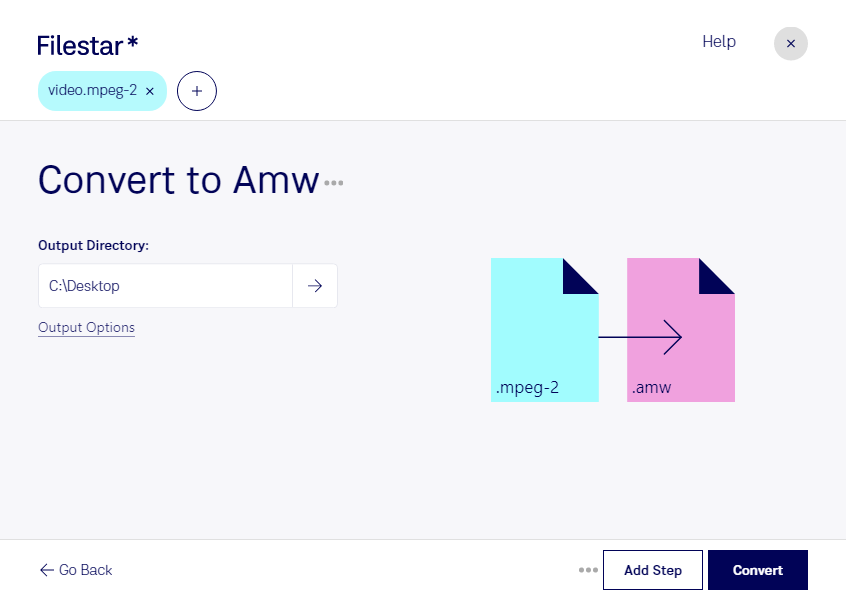
Haz clic derecho en uno o más archivos Mpeg-2 de tu escritorio y selecciona Convert with Filestar.
Escribe convert to amw en el cuadro de búsqueda.
Pulsa Convert.
Or let an AI agent do it: filestarcli -i file.mpeg-2 -c "convert to amw" (how).
Let your AI agent convertir MPEG-2 a AMW
Claude Code, Codex, Cursor and other agents can do this on your computer with Filestar. Your files stay on your machine.
Install Filestar and add it to your agents:
npm install -g filestar
filestarcli agent install
Then ask your agent:
“Convert the MPEG-2 files in my Downloads folder to AMW”
Or run it yourself:
filestarcli -i file.mpeg-2 -c "convert to amw"
Runs on your computer, so your files stay on it. Works on Windows, macOS and Linux. 50 free conversions with the npm install, no account needed.
Can my AI agent convertir MPEG-2 a AMW?
Yes. Install the Filestar CLI with npm install -g filestar and your agent can run filestarcli -i file.mpeg-2 -c "convert to amw" on your computer, so your files stay on it.
Archivo de video codificado con el códec MPEG-2, utilizado principalmente para señales de televisión digital terrestre, por satélite y por cable, así como para video en DVD; utiliza compresión con pérdida para el audio y el video a fin de reducir considerablemente el tamaño de los datos de video; no es tan eficiente como el formato H.264.
AMV (Actions Media Video) es un formato de archivo de vídeo propietario creado para reproductores MP4 y reproductores S1 MP3 con reproducción de vídeo. Existen dos versiones de este formato: una más antigua para chips Actions y otra más reciente para el chip M5661 de ALi, a veces llamada ALIAVI.