¿Qué es .dat?
- Nombre
- VideoCD MPEG
- Extensión
- .dat
- Formato
- Binario
- Categoría
- Video
- Desarrollador
- MPEG-1 Layer 2 Audio
- Descripción
- Flujo MPEG en un contenedor RIFF utilizado en VideoCD.
- Tipo MIME
- video/mpeg
- Wikipedia
- .dat en Wikipedia

Claude Code, Codex, Cursor and other agents can do this on your computer with Filestar. Your files stay on your machine.
Install Filestar and add it to your agents:
npm install -g filestar
filestarcli agent install
Then ask your agent:
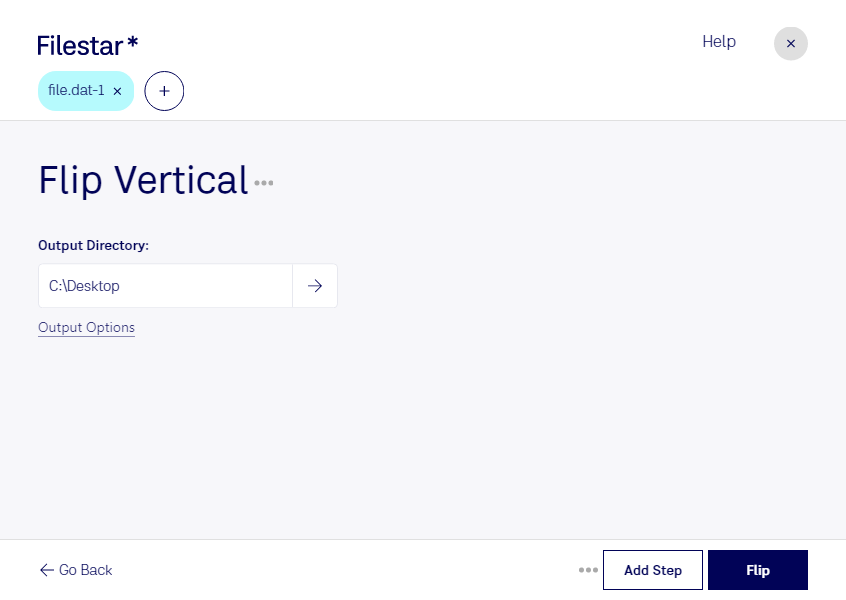
“Use Filestar to voltear VideoCD MPEG verticalmente in my Downloads folder”
Or run it yourself:
filestarcli -i file.dat -c "flip vertical"Runs on your computer, so your files stay on it. Works on Windows, macOS and Linux. 50 free conversions with the npm install, no account needed.
Yes. Install the Filestar CLI with npm install -g filestar and your agent can run filestarcli -i file.dat -c "flip vertical" on your computer, so your files stay on it.