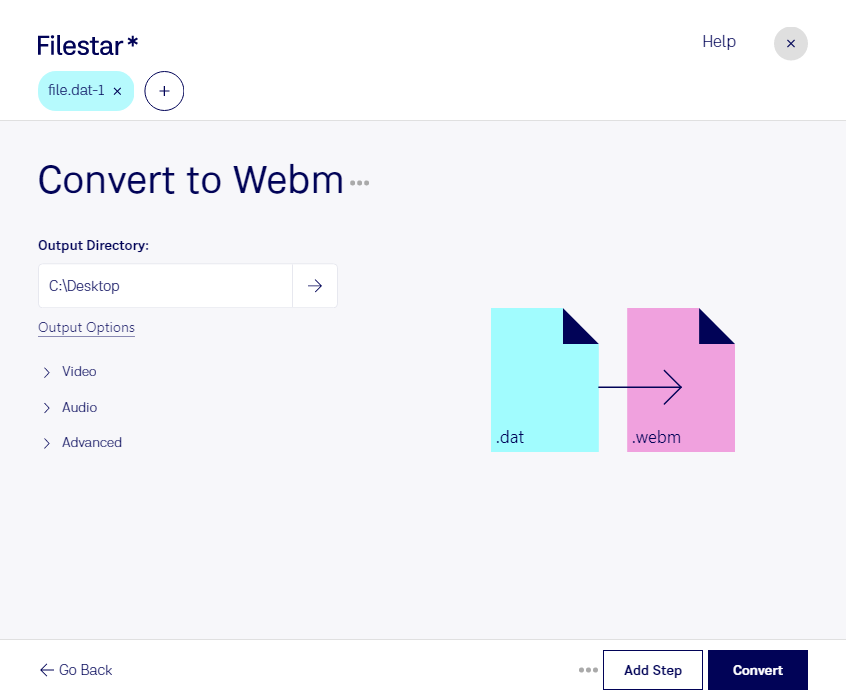
Haz clic derecho en uno o más archivos Dat de tu escritorio y selecciona Convert with Filestar.
Escribe convert to webm en el cuadro de búsqueda.
Pulsa Convert.
Or let an AI agent do it: filestarcli -i file.dat -c "convert to webm" (how).
Let your AI agent convertir VideoCD MPEG a WEBM
Claude Code, Codex, Cursor and other agents can do this on your computer with Filestar. Your files stay on your machine.
Install Filestar and add it to your agents:
npm install -g filestar
filestarcli agent install
Then ask your agent:
“Convert the VideoCD MPEG files in my Downloads folder to WEBM”
Or run it yourself:
filestarcli -i file.dat -c "convert to webm"
Runs on your computer, so your files stay on it. Works on Windows, macOS and Linux. 50 free conversions with the npm install, no account needed.
Can my AI agent convertir VideoCD MPEG a WEBM?
Yes. Install the Filestar CLI with npm install -g filestar and your agent can run filestarcli -i file.dat -c "convert to webm" on your computer, so your files stay on it.
Flujo MPEG en un contenedor RIFF utilizado en VideoCD.
Un archivo WEBM es un vídeo comprimido guardado en el formato WebM, un estándar de vídeo abierto y de alta calidad. Almacena vídeo comprimido mediante la tecnología VP8 y audio comprimido mediante Ogg Vorbis. Los archivos WEBM se utilizan habitualmente para transmitir vídeos en línea mediante la etiqueta HTML5 <video>.