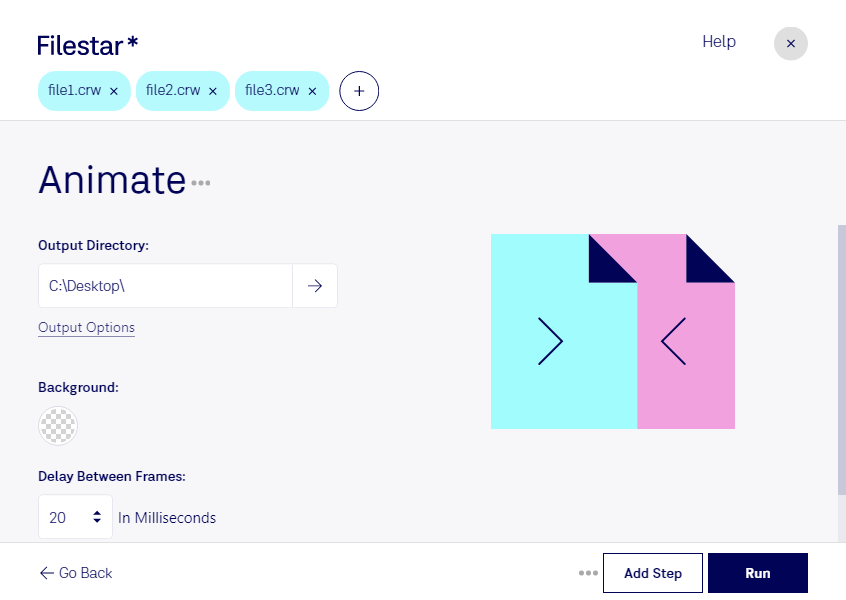
Haz clic derecho en uno o más archivos Crw de tu escritorio y selecciona Convert with Filestar.
Escribe animate en el cuadro de búsqueda.
Pulsa Run.
Or let an AI agent do it: filestarcli -i file.crw -c "animate" (how).
Let your AI agent animar CRW
Claude Code, Codex, Cursor and other agents can do this on your computer with Filestar. Your files stay on your machine.
Install Filestar and add it to your agents:
npm install -g filestar
filestarcli agent install
Then ask your agent:
“Use Filestar to animar CRW in my Downloads folder”
Or run it yourself:
filestarcli -i file.crw -c "animate"
Runs on your computer, so your files stay on it. Works on Windows, macOS and Linux. 50 free conversions with the npm install, no account needed.
Can my AI agent animar CRW?
Yes. Install the Filestar CLI with npm install -g filestar and your agent can run filestarcli -i file.crw -c "animate" on your computer, so your files stay on it.
El formato de archivo CRW es un tipo de archivo de imagen en bruto creado por cámaras digitales Canon. Su nombre corresponde a Canon Raw CIFF (Camera Image File Format), un formato de archivo propietario desarrollado por Canon para capturar todos los datos de imagen registrados por el sensor de la cámara al tomar una foto. A diferencia de JPEG y otros formatos de imagen comprimidos, los archivos CRW contienen datos sin comprimir ni procesar, lo que ofrece a los fotógrafos un mayor control sobre ajustes de imagen como la exposición, el balance de blancos y las correcciones de color durante el posprocesamiento.