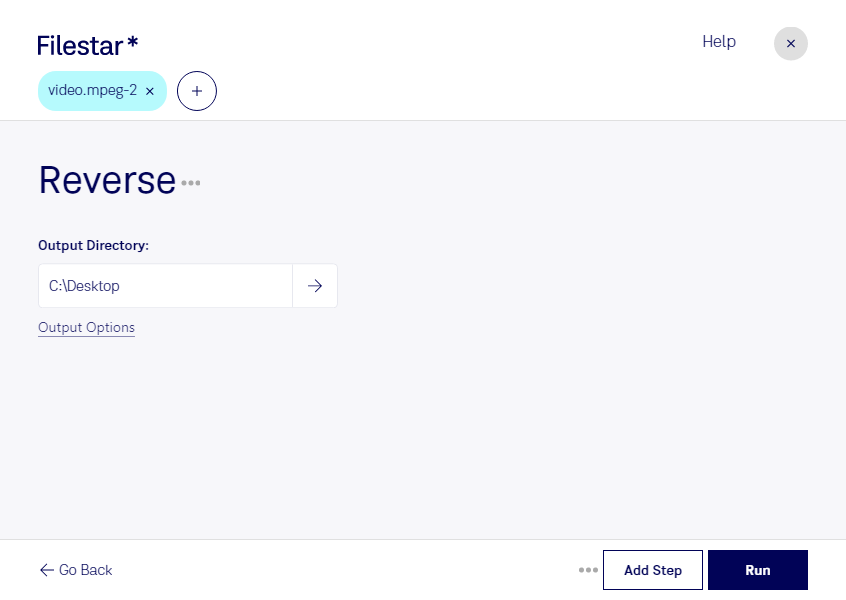
Lade die neueste Version von Filestar herunter und installiere sie.
Klicke auf deinem Desktop mit der rechten Maustaste auf eine oder mehrere Mpeg-2-Dateien und wähle Convert with Filestar.
Gib reverse in das Suchfeld ein.
Klicke auf Run.
Or let an AI agent do it: filestarcli -i file.mpeg-2 -c "reverse" (how).
Let your AI agent MPEG-2 umkehren
Claude Code, Codex, Cursor and other agents can do this on your computer with Filestar. Your files stay on your machine.
Install Filestar and add it to your agents:
npm install -g filestar
filestarcli agent install
Then ask your agent:
“Use Filestar to MPEG-2 umkehren in my Downloads folder”
Or run it yourself:
filestarcli -i file.mpeg-2 -c "reverse"
Runs on your computer, so your files stay on it. Works on Windows, macOS and Linux. 50 free conversions with the npm install, no account needed.
Can my AI agent MPEG-2 umkehren?
Yes. Install the Filestar CLI with npm install -g filestar and your agent can run filestarcli -i file.mpeg-2 -c "reverse" on your computer, so your files stay on it.
Videodatei, die mit dem MPEG-2-Codec codiert wurde, der hauptsächlich für digitale TV-Signale über Antenne, Satellit und Kabel sowie für DVD-Videos verwendet wird; nutzt verlustbehaftete Kompression für Audio und Video, um die Größe der Videodaten deutlich zu reduzieren; ist weniger effizient als das H.264-Format.