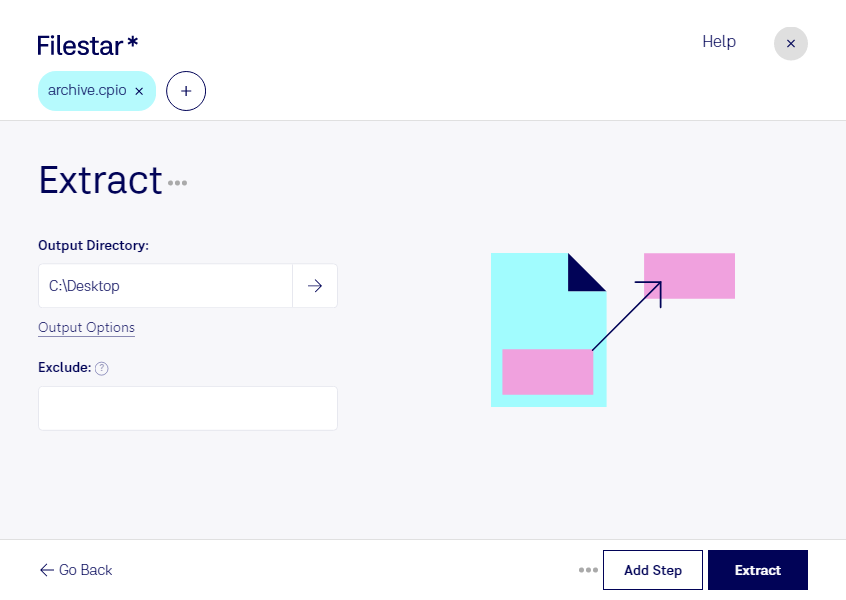
Lade die neueste Version von Filestar herunter und installiere sie.
Klicke auf deinem Desktop mit der rechten Maustaste auf eine oder mehrere Cpio-Dateien und wähle Convert with Filestar.
Gib extract in das Suchfeld ein.
Klicke auf Extract.
Or let an AI agent do it: filestarcli -i file.cpio -c "extract" (how).
Let your AI agent CPIO entpacken
Claude Code, Codex, Cursor and other agents can do this on your computer with Filestar. Your files stay on your machine.
Install Filestar and add it to your agents:
npm install -g filestar
filestarcli agent install
Then ask your agent:
“Use Filestar to CPIO entpacken in my Downloads folder”
Or run it yourself:
filestarcli -i file.cpio -c "extract"
Runs on your computer, so your files stay on it. Works on Windows, macOS and Linux. 50 free conversions with the npm install, no account needed.
Can my AI agent CPIO entpacken?
Yes. Install the Filestar CLI with npm install -g filestar and your agent can run filestarcli -i file.cpio -c "extract" on your computer, so your files stay on it.
Der Dateityp cpio gehört zu Unix-basierten Systemen und dient zum Archivieren und Komprimieren von Dateien. Der Name „cpio“ steht für „copy in, copy out“ und beschreibt das Verfahren, mit dem Dateien in einem Archiv gesammelt oder daraus entpackt werden. Dieses Format unterstützt verschiedene Komprimierungsverfahren und wird häufig verwendet, um Archive für Sicherungen zu erstellen, Pakete zu verteilen oder Dateien für eine einfachere Übertragung zusammenzufassen. Ein cpio-Archiv kann mehrere Dateien und Verzeichnisse enthalten und dabei deren Dateiattribute bewahren.