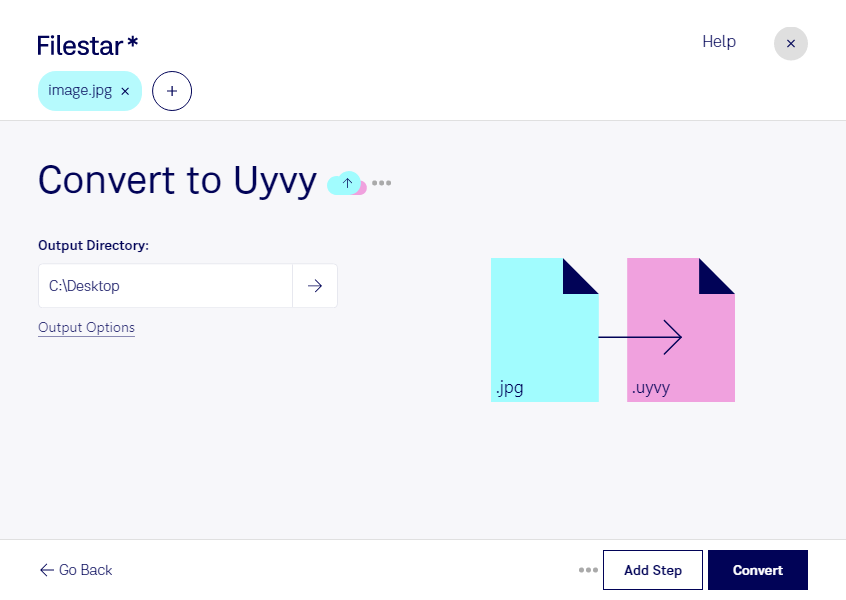
Are you looking to convert your JPEG images to UYVY video picture encoding? Look no further than Filestar! Our software enables you to easily and quickly convert your files in bulk, saving you time and effort.
Filestar is available on both Windows and OSX, making it accessible to a wide range of professionals. For example, video editors who work with high-quality video footage need to ensure that their files are in the correct format. By converting JPEG images to UYVY video picture encoding, they can ensure that their videos are of the highest quality.
One of the benefits of using Filestar is that all file processing is done locally on your computer. This means that you don't have to worry about your files being processed in the cloud, which can be less secure. With Filestar, you can be confident that your files are being processed safely and securely on your own computer.
In conclusion, if you need to convert JPEG images to UYVY video picture encoding, Filestar is the perfect software for the job. With its bulk conversion capabilities and local processing, you can get the job done quickly and safely. Try Filestar today and see the results for yourself!