
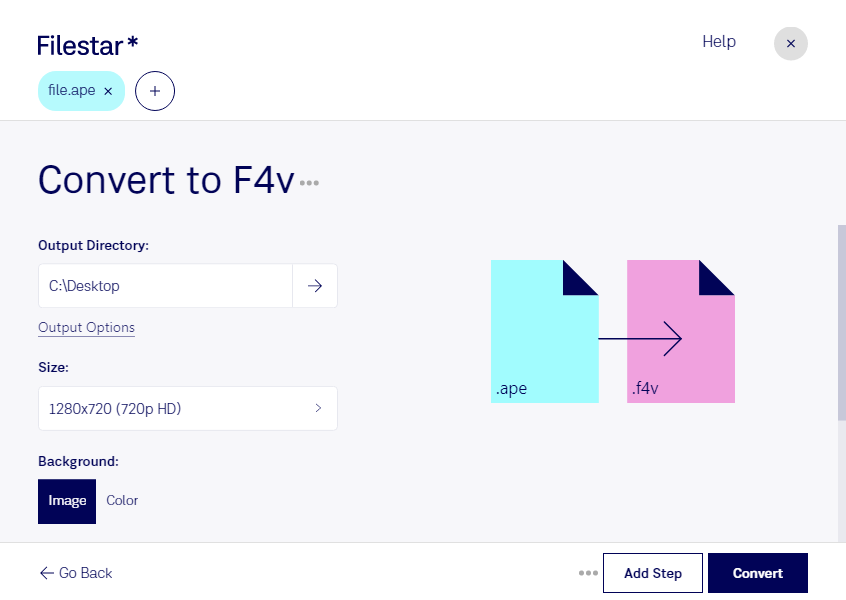
.ape 和 .f4v 有什么区别?
- 扩展名
- .ape
- .f4v
- 格式
- 二进制
- 二进制
- 类别
- 音频
- 视频
- 开发者
- Matthew T. Ashland
- Adobe Systems
- 描述
- APE 格式由 Matthew T. Ashland 为 Windows 操作系统开发,是一种可无损存储声音数据的音频文件格式。由于付费许可限制,它的普及程度较低。
- Adobe Flash 使用的视频容器格式,基于 ISO MP4 格式,而 ISO MP4 又基于 Apple QuickTime 容器格式。它被 ISO/IEC 14496-12 定义为基本媒体文件格式,受 Flash Player Update 3(9,0,115,0)及更高版本支持。
- MIME 类型
- audio/x-monkeys-audio
- video/x-f4v