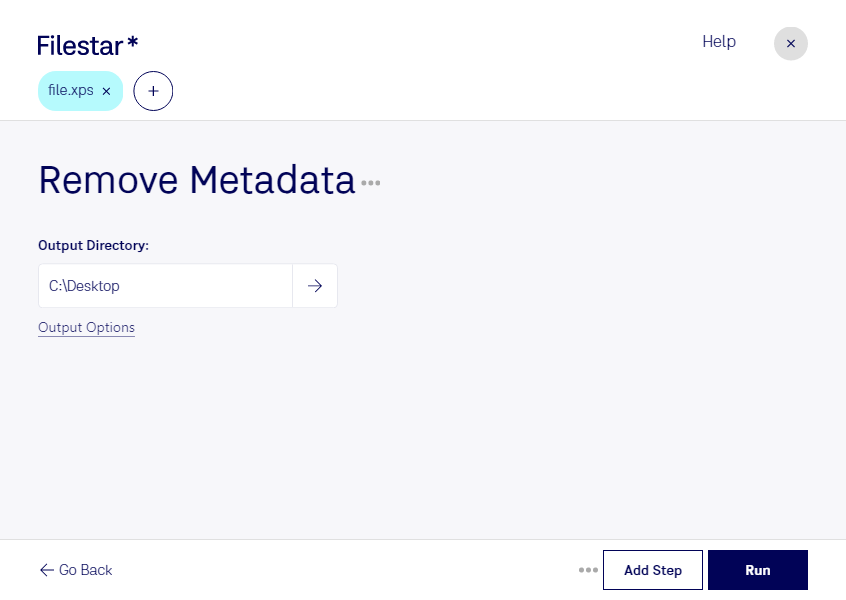
Are you looking for a way to remove XPS metadata from your document files? With Filestar, you can easily convert and process your files locally on your Windows or OSX computer. Our software allows for bulk/batch conversion/operations, making it easy to remove metadata from multiple files at once.
Professionals in various industries can benefit from removing XPS metadata. For example, lawyers who need to share confidential documents with clients can use this feature to ensure that no sensitive information is accidentally shared. Similarly, journalists who need to protect their sources can remove metadata from their documents before publishing them online.
Processing your files locally on your computer is much safer than using an online converter. When you upload your files to the cloud, you run the risk of having your data intercepted or hacked. With Filestar, all of your files are processed locally on your computer, so you can be sure that your data is safe and secure.
In addition to removing XPS metadata, Filestar offers a range of other features for converting and processing files. Whether you need to convert images, audio files, or video files, our software makes it easy to get the job done quickly and efficiently.
If you're ready to remove XPS metadata from your document files, download Filestar today and start converting and processing your files locally on your computer.