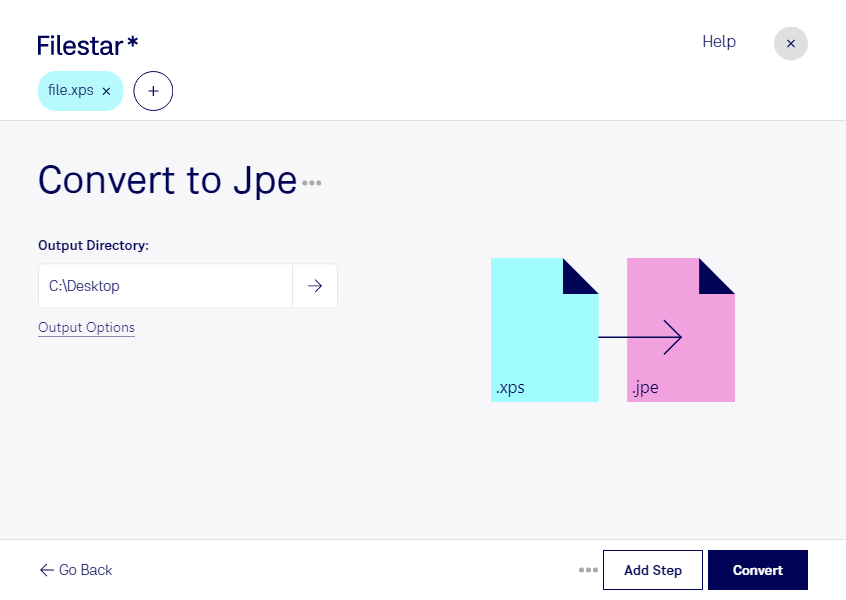
Are you in need of a reliable and efficient tool to convert your XPS documents to JPE images? Look no further than Filestar! Our software allows you to quickly and easily convert your files in bulk, saving you time and effort.
Whether you're a graphic designer, photographer, or simply need to convert a large number of files, Filestar has you covered. Our software runs on both Windows and OSX, making it accessible to a wide range of users.
But why convert locally on your computer instead of in the cloud? The answer is simple: security. By processing your files locally, you can rest assured that your sensitive data will not fall into the wrong hands. With Filestar, you can convert your files with peace of mind.
In the professional world, there are many situations where converting XPS to JPE can be useful. For example, graphic designers often need to convert XPS files to JPE images for use in their designs. Photographers may also need to convert XPS files to JPE images for use on their websites or in their portfolios. No matter your profession, Filestar can help you get the job done quickly and efficiently.
So why wait? Try Filestar today and experience the benefits of a fast, easy, and secure file conversion process. Contact us to learn more or download our software now.