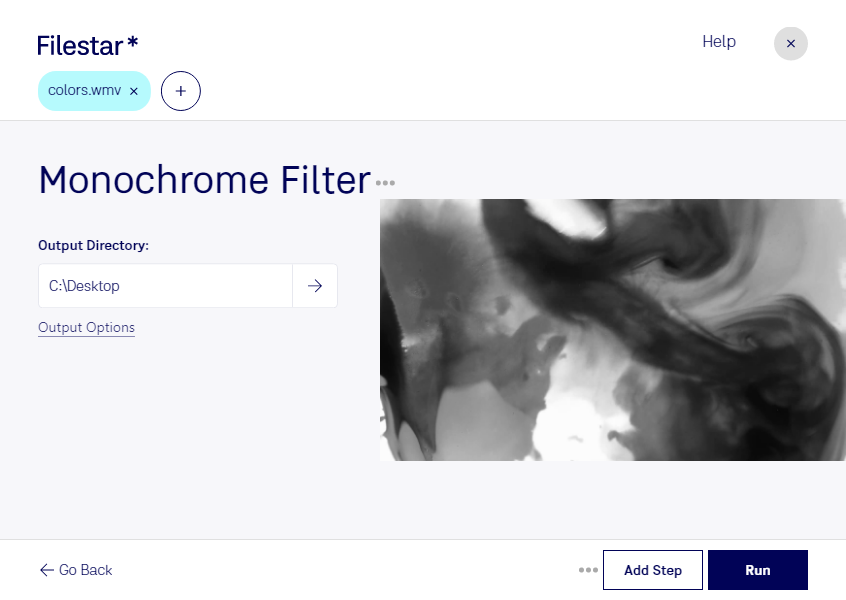
Are you looking to convert your Windows Media Video files to black and white? Look no further than Filestar's Monochrome WMV Filter. This powerful software allows you to convert and process your videos locally, without the need for an internet connection.
One of the key benefits of using Filestar's Monochrome WMV Filter is the ability to perform bulk conversions and batch operations. This is especially useful for professionals who need to process large numbers of videos quickly and efficiently.
Whether you're a filmmaker, video editor, or content creator, the Monochrome WMV Filter can help you achieve stunning black and white effects in your videos. By removing color and focusing on contrast and texture, you can create a timeless and dramatic look that is sure to impress your audience.
And with Filestar's software running on both Windows and OSX, you can use the Monochrome WMV Filter no matter what platform you're working on. Plus, by processing your videos locally on your computer, you can be sure that your files are safe and secure, without the risk of data breaches or privacy concerns that come with cloud-based solutions.
So why wait? Try Filestar's Monochrome WMV Filter today and take your video processing to the next level!