Merge wav

  1. Download and install the latest version of Filestar.

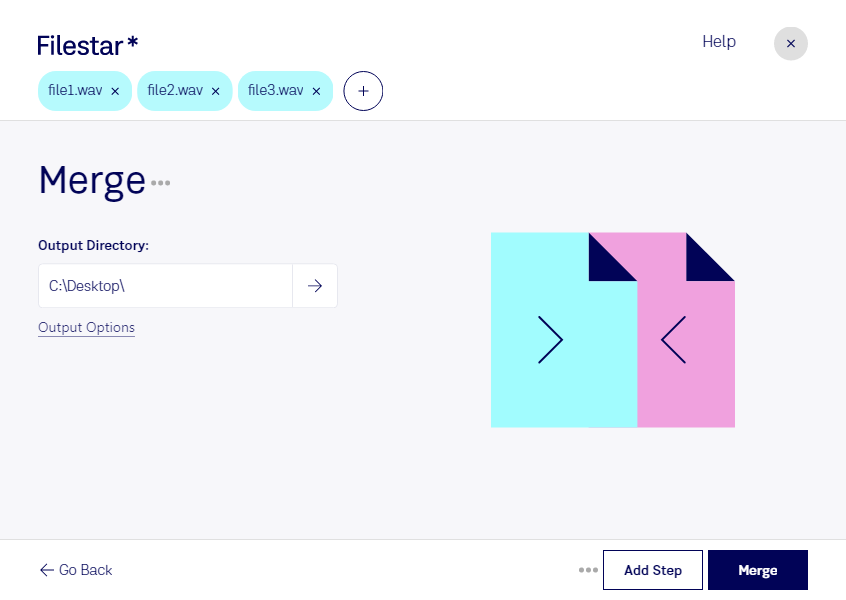
  2. Right click on one or more Wav file(s) on your desktop and select Convert with Filestar.

  3. Type merge in the search box.

  4. Press Merge.

Or let an AI agent do it: filestarcli -i file.wav -c "merge" (how).

merge wav

Let your AI agent merge WAV

Claude Code, Codex, Cursor and other agents can do this on your computer with Filestar. Your files stay on your machine.

Install Filestar and add it to your agents:

npm install -g filestar
filestarcli agent install

Then ask your agent:

“Use Filestar to merge WAV in my Downloads folder”

Or run it yourself:

filestarcli -i file.wav -c "merge"

Runs on your computer, so your files stay on it. Works on Windows, macOS and Linux. 50 free conversions with the npm install, no account needed.

Can my AI agent merge WAV?

Yes. Install the Filestar CLI with npm install -g filestar and your agent can run filestarcli -i file.wav -c "merge" on your computer, so your files stay on it.

Using Filestar With AI Agents · Download SKILL.md

What is .wav?

Extension
.wav
Format
Binary
Category
Audio
Developer
Microsoft
Description
A WAV file is an audio file that uses a standard digital audio file format utilized for storing waveform data. It allows audio recordings to be saved with different sampling rates and bitrates and is often saved in a 44.1 KHz, 16-bit, stereo format, which is the standard format used for CD audio.
MIME Type
audio/wav

Merge Wav Today

Get started within minutes

Are you tired of sifting through multiple audio files to find the right one? Merge WAV files with Filestar and save time! Our software allows for bulk/batch conversion/operations, making it easy to merge multiple files into one.

Filestar runs on both Windows and OSX, providing a user-friendly experience for all. Whether you're a music producer, sound engineer, or podcaster, our merge wav feature can help streamline your workflow.

Imagine having all your audio files in one place, easily accessible and organized. With Filestar, you can merge your WAV files in just a few clicks, without compromising the quality of your audio.

But why convert or process locally on your computer instead of in the cloud? Well, for starters, it's more secure. Your data remains on your computer, reducing the risk of unauthorized access or data breaches. Plus, with Filestar, you don't need an internet connection to use our software.

In conclusion, whether you're a professional in the music industry or just looking to organize your audio files, Filestar's merge wav feature can help. Try it out today and see how easy it is to merge multiple WAV files into one. Contact us for more information or to get started.