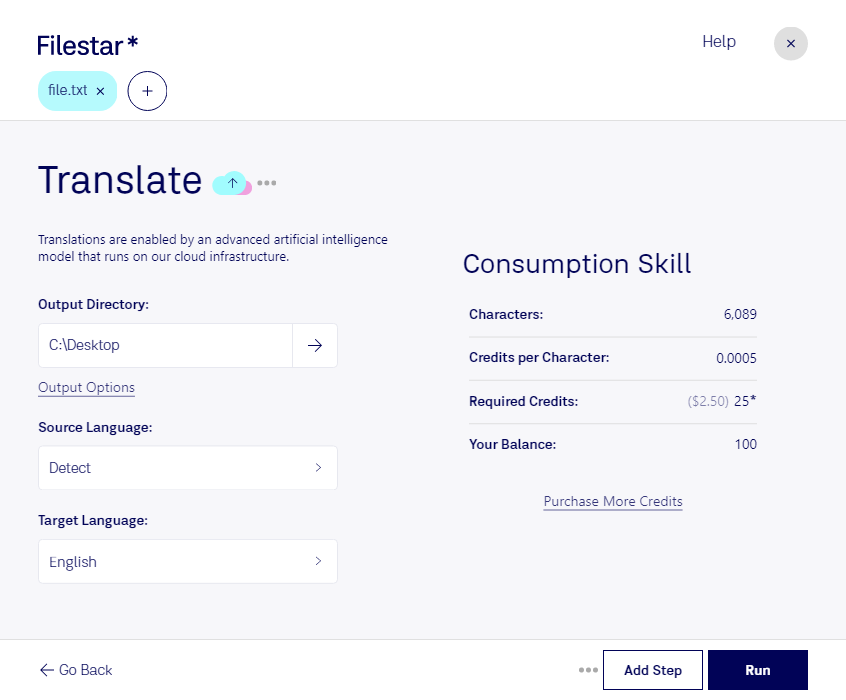
Are you a professional in need of a reliable and secure way to convert and process your TXT files? Look no further than Filestar. Our software allows for bulk operations and runs seamlessly on both Windows and OSX.
With Filestar, you can convert your TXT files to a variety of different formats, including PDF, DOCX, and HTML, among others. Plus, our software allows for easy batch processing, so you can convert multiple files at once, saving you time and effort.
But why choose Filestar over an online converter? The answer is simple: security. When you convert or process files locally on your computer, you have full control over your data. You don't have to worry about your files being stored in the cloud or potentially being accessed by unauthorized parties.
In what professional settings might translate txt be useful? Here are just a few examples:
- Writers and editors who need to convert their TXT files to other formats for publishing or sharing
- Researchers who need to process large amounts of data contained in TXT files
- Data analysts who need to convert TXT files to CSV or other spreadsheet formats
No matter what your profession, if you work with TXT files, Filestar is the perfect solution for your conversion and processing needs. Get started today and experience the ease and security of local file conversion.