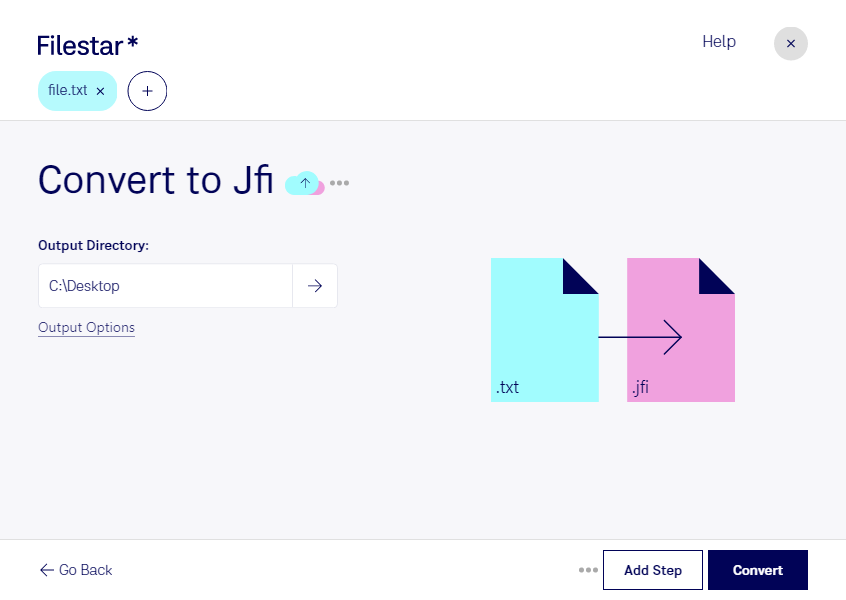
Are you looking to convert your text files to JPEG images quickly and easily? With Filestar, you can convert your text files to JPEG images in bulk with just a few clicks. Our powerful file conversion software runs on both Windows and OSX, making it accessible to everyone.
Whether you're a graphic designer, photographer, or simply need to convert text files to JPEG images for a presentation, Filestar has you covered. Our software allows for bulk/batch conversion/operations, saving you time and effort. Plus, with the ability to process your files locally on your computer, you can be sure that your data is safe and secure.
Converting/processing locally on your computer is more secure than in the cloud. Your data is not sent over the internet, eliminating the risk of data breaches. Plus, with the ability to process your files locally, you can be sure that your files are processed quickly and efficiently.
So, whether you need to convert a single text file or thousands, Filestar is the perfect solution. Try it today and see how easy it is to convert your text files to JPEG images.