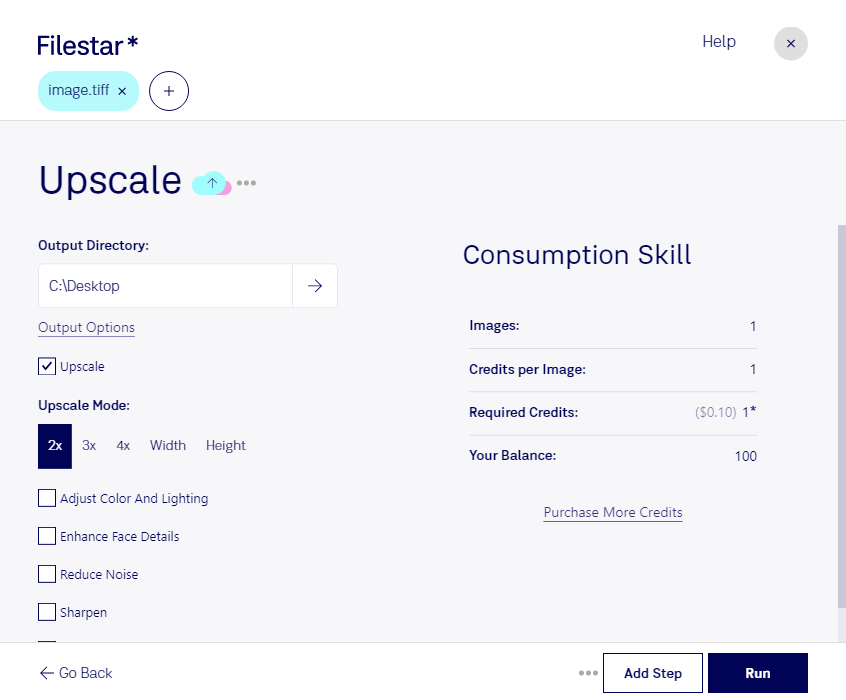
Are you a professional in need of high-quality image conversions? Look no further than Filestar's upscale TIFF software. Our software allows for bulk/batch conversion/operations, making it easy to upscale multiple TIFF images at once. Plus, our software runs on both Windows and OSX, making it accessible to a wide range of professionals.
Upscale TIFF images are particularly useful for professionals in the photography and graphic design industries. For example, if you are a photographer, you may need to upscale TIFF images to print larger photos without losing quality. Or, if you are a graphic designer, you may need to upscale TIFF images to create high-resolution graphics for websites or print materials.
One of the benefits of using Filestar's software is that all conversions and processing are done locally on your computer. This means that you don't have to worry about the safety and security of your files in the cloud. Plus, you can convert and process your files without an internet connection, giving you greater flexibility and control over your work.
In conclusion, if you're looking for a reliable and efficient way to upscale TIFF images, look no further than Filestar's upscale TIFF software. Try it out today and see the difference for yourself. Get in touch with us to learn more.