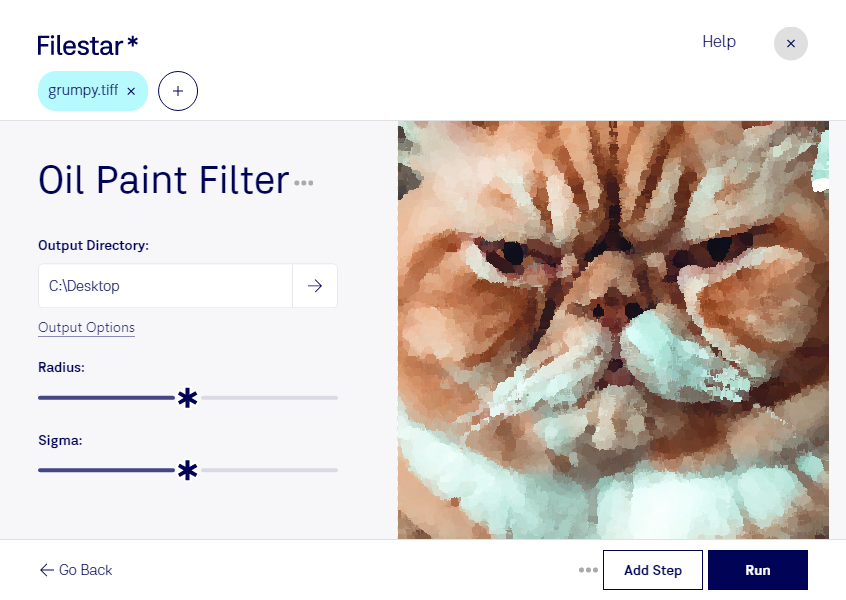
Oil Paint TIFF Filter: Convert Your TIFF Images into Stunning Oil Paintings
Oil Paint TIFF Filter is a powerful software tool that allows users to convert their TIFF images into beautiful oil paintings. The software runs on both Windows and OSX, making it accessible to a wide range of users.
With Oil Paint TIFF Filter, users can perform bulk/batch operations, saving time and effort. The software is perfect for professionals who need to process large numbers of images quickly and efficiently. For example, artists and photographers can use Oil Paint TIFF Filter to transform their TIFF images into stunning oil paintings, adding a unique artistic touch to their work.
One of the main advantages of using Oil Paint TIFF Filter is that all conversions and processing are done locally on your computer. This means that your files are not uploaded to the cloud, ensuring that your data remains safe and secure.
In addition to its oil paint filter, Oil Paint TIFF Filter offers a range of other features and tools to help users get the most out of their TIFF images. The software is easy to use, with a user-friendly interface that makes it simple to navigate and perform operations.
In conclusion, if you are looking for a powerful and versatile tool to convert your TIFF images into stunning oil paintings, look no further than Oil Paint TIFF Filter. With its bulk conversion capabilities, local processing, and user-friendly interface, it is the perfect solution for artists, photographers, and other professionals who need to process large numbers of TIFF images quickly and easily. Get in touch today to learn more!