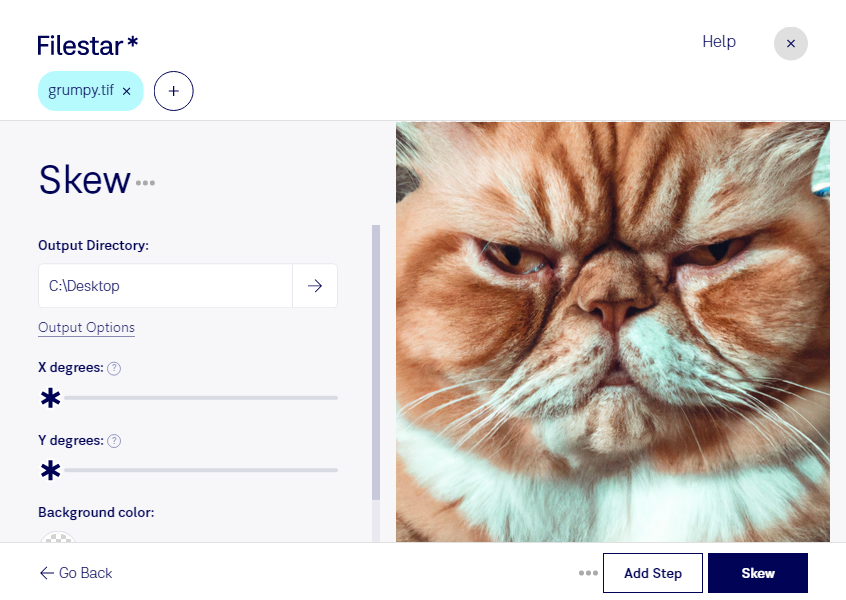
In professional industries such as architecture and engineering, TIF files are commonly used due to their high-quality resolution. However, sometimes these files can be skewed or tilted, which can cause issues when trying to view or print them. That's where Filestar's Skew TIF feature comes in.
With Filestar's Skew TIF feature, you can easily straighten and adjust the orientation of your TIF files. This can be done in bulk, saving you time and effort. The software runs locally on your computer, ensuring that your files are processed safely and securely without the need for an internet connection.
Filestar's Skew TIF feature is available on both Windows and OSX, making it accessible to a wide range of professionals. Whether you're an architect, engineer, or graphic designer, this feature can help you improve the quality and accuracy of your TIF files.
By processing your files locally on your computer, you can also ensure that your sensitive data and information is kept secure. This is especially important for professionals who handle confidential client information.
In addition to its Skew TIF feature, Filestar offers a range of other file conversion and processing tools. With its user-friendly interface and powerful capabilities, Filestar is the perfect software for professionals who need to manage large volumes of files efficiently.
Don't let skewed TIF files slow down your workflow. Try Filestar's Skew TIF feature today and experience the benefits of safe, secure, and efficient file processing.