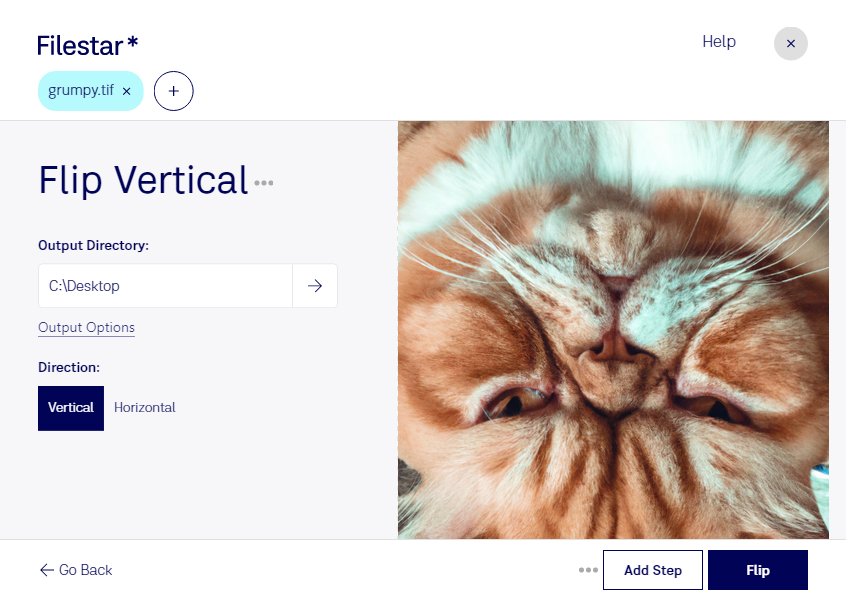
Flip TIF Vertical is a powerful feature included in Filestar's file conversion and processing software. With this feature, you can easily flip your TIF files vertically, allowing you to manipulate your images to your desired orientation.
One of the key benefits of using Filestar is its ability to perform bulk/batch conversions and operations. This means that you can process multiple TIF files at once, saving you time and effort.
Filestar runs on both Windows and OSX, making it accessible to a wide range of professionals who need to manipulate large batches of images. For example, architects and engineers who work with blueprints and other technical drawings can use Flip TIF Vertical to quickly and efficiently reorient their files.
It's important to note that Filestar is not an online converter. This means that all conversions and processing are done locally on your computer. This is a more secure option, as your files are not uploaded to the cloud where they could potentially be accessed by unauthorized users.
In conclusion, if you're looking for a reliable and efficient way to flip your TIF files vertically, look no further than Filestar's Flip TIF Vertical feature. Try it out today and experience the convenience of local file conversion and processing.