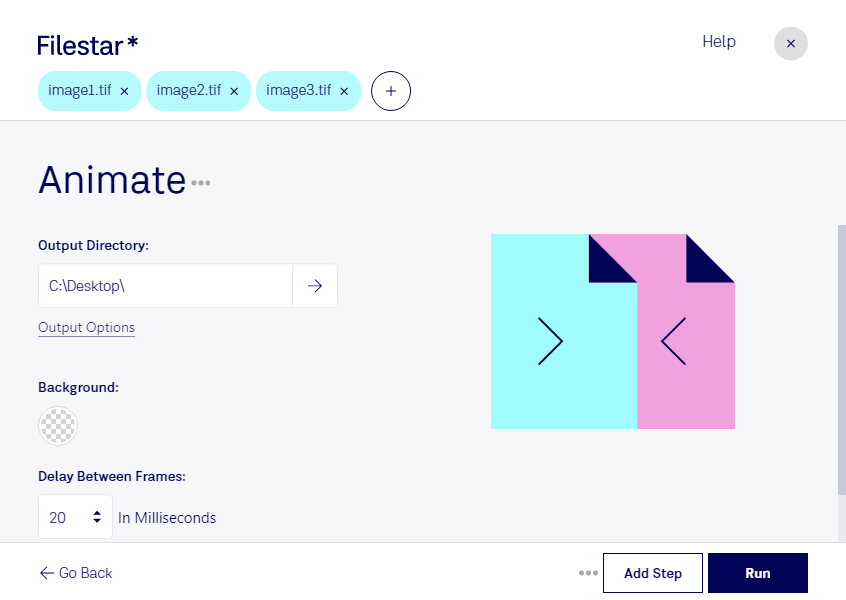
Animate TIF with Filestar - Convert and Process Raster Images
Filestar's TIF file converter and processor is the perfect tool for professionals who need to create animated images from raster image files. With Filestar, you can easily convert TIF files into animated GIFs, APNGs, or other formats that support animation.
Filestar's software allows for bulk/batch conversion and operations, making it easy to process multiple files at once. This feature is especially useful for professionals who work with large quantities of images and need to save time.
Filestar runs on both Windows and OSX, so no matter what platform you're using, you can take advantage of this powerful software. Plus, since Filestar is a desktop application, you can convert and process your files locally on your computer, which is safer than using an online converter.
In what professional might animate TIF be useful? Animating TIF files can be useful in a variety of industries, such as graphic design, advertising, and animation. For example, graphic designers can use animated TIFs to create eye-catching ads or social media posts. Advertisers can use animated TIFs to create engaging banners or billboards. And animators can use animated TIFs as part of their animation workflow.
Overall, Filestar's TIF file converter and processor is a powerful tool for anyone who needs to animate TIF files. With its bulk conversion and local processing capabilities, it's a great choice for professionals who need to work with large quantities of images. Plus, since it runs on both Windows and OSX, it's accessible to a wide range of users.