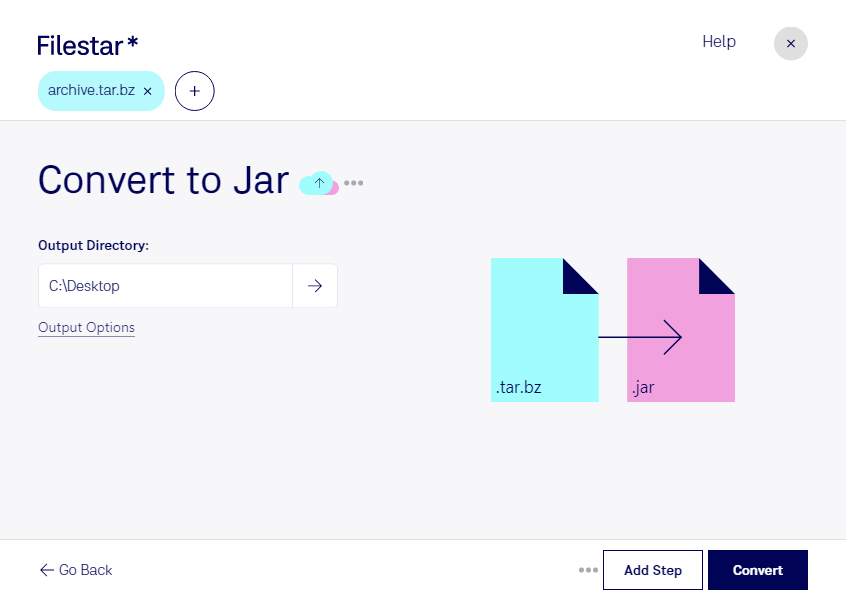
Convert tar.bz to jar

  1. Download and install the latest version of Filestar.

  2. Right click on one or more Tar.bz file(s) on your desktop and select Convert with Filestar.

  3. Type convert to jar in the search box.

  4. Press Convert.

Or let an AI agent do it: filestarcli -i file.tar.bz -c "convert to jar" (how).

convert tar.bz to jar

Let your AI agent convert TAR.BZ to JAR

Claude Code, Codex, Cursor and other agents can do this with Filestar. This skill runs in Filestar's cloud and needs a paid Filestar plan.

Install Filestar and add it to your agents:

npm install -g filestar
filestarcli agent install

Then ask your agent:

“Convert the TAR.BZ files in my Downloads folder to JAR”

Or run it yourself:

filestarcli -i file.tar.bz -c "convert to jar"

Runs in Filestar's cloud and needs a Filestar plan.

Can my AI agent convert TAR.BZ to JAR?

Yes, with a paid Filestar plan: this skill runs in Filestar's cloud. Install the Filestar CLI with npm install -g filestar and your agent can run filestarcli -i file.tar.bz -c "convert to jar".

Using Filestar With AI Agents · Download SKILL.md

What is the difference between .tar.bz and .jar?

Extension
.tar.bz
.jar
Format
Binary
Binary
Category
Compressed
Developer
Developer
bzip2
Oracle
Description
This is a compressed archive in the TAR container with the help of the BZIP tool. It was created for use in Unix systems. The TAR container combines several files into one archive that’s placed in a TBZ compressed file. They’re used as installation packets in the installers of some operating systems.
A JAR file is a Java archive (JAR) file used by the Java Runtime Environment (JRE), a framework used for executing Java programs. JAR files may serve as program libraries or as standalone programs that run if the JRE is installed on the computer or mobile device.
MIME Type
application/x-bzip-compressed-tar
application/java-archive

Convert Tar.bz To Jar Today

Get started within minutes